
Guides · Hardware
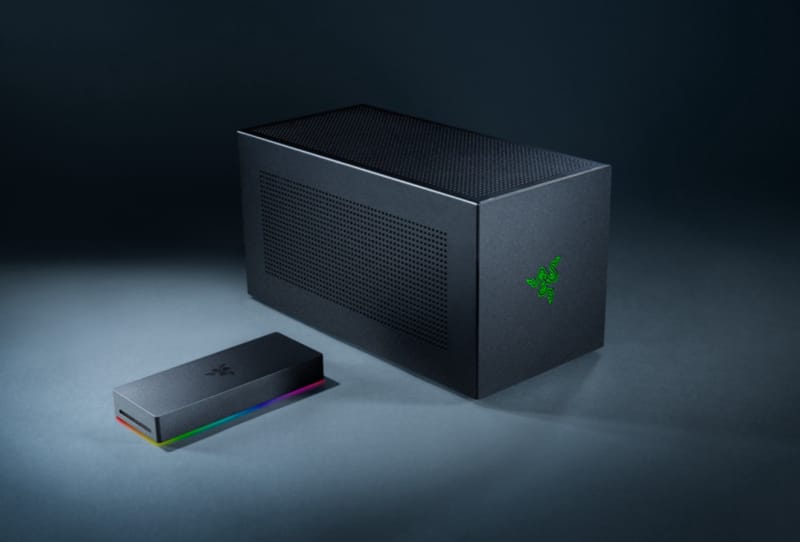
eGPU vs Laptop GPU: Why Bandwidth Limits the Upgrade
An eGPU can pack far more raw graphics power than a laptop's built-in GPU, but Thunderbolt and USB4 bandwidth limits often cancel out the advantage.

Guides
How to Set Up Plex for Audiobooks and Podcasts
Setting up Plex for audiobooks and podcasts means creating a dedicated library, organising files correctly, and using the right agent for matching.
Guides · Hardware
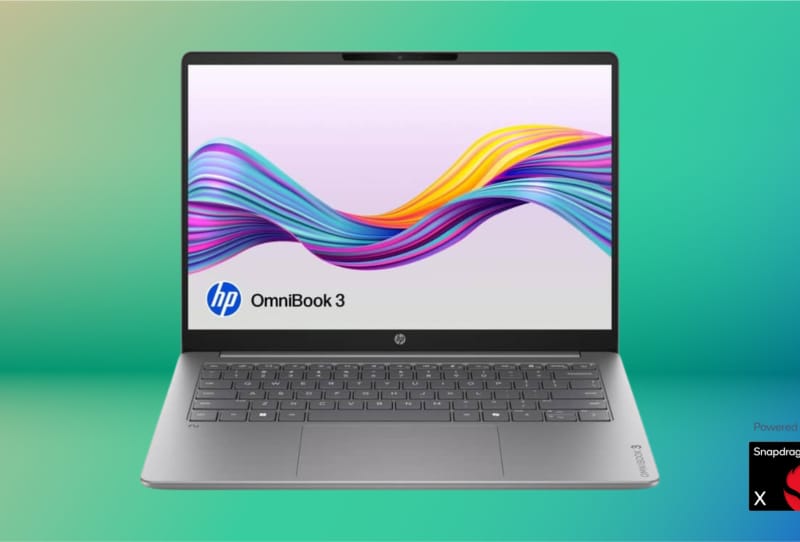
Can the HP OmniBook 3’s Snapdragon Chip Last a Week?
HP rates the OmniBook 3 with Snapdragon X at up to 41 hours of battery life, enough for some professionals to skip charging all week.

Guides · Hardware
How to Choose a PCIe 5.0 Graphics Card for Your PC
Choosing a PCIe 5.0 graphics card means matching your motherboard, CPU lanes, and power supply before you buy.
Guides · Peripherals
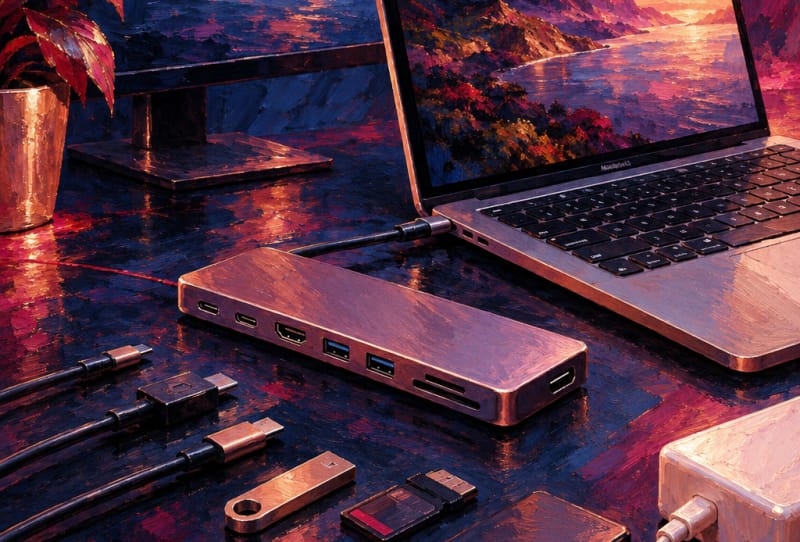
How to Choose the Best USB-C Hub for MacBook Pro 2024
Choosing the right USB-C hub for a 2024 MacBook Pro comes down to matching port count, bandwidth and power delivery to how you actually work.

Guides · Software
How to Set Up a Plex Account From Scratch
Setting up a Plex account only takes a few minutes and is the first step to streaming your own media on any device.
Guides · Software
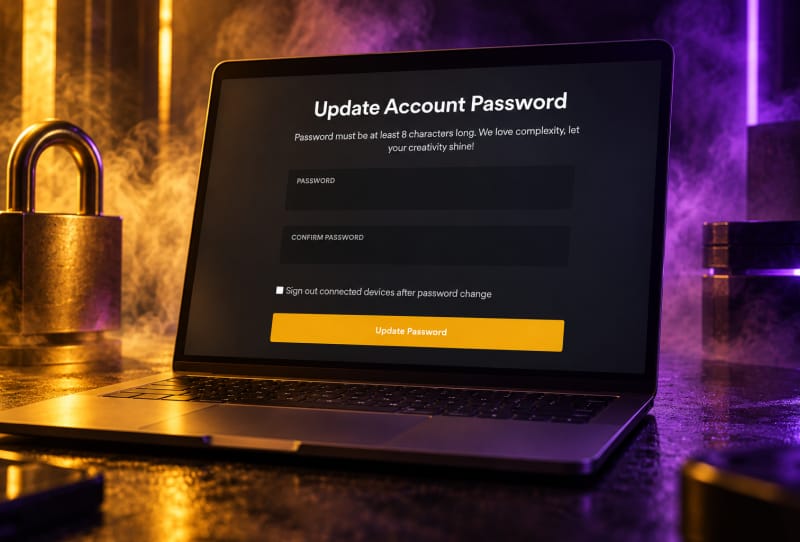
How to Change Your Plex Account Password Safely
Changing your Plex account password only takes a few minutes through the Plex web app's account settings page.
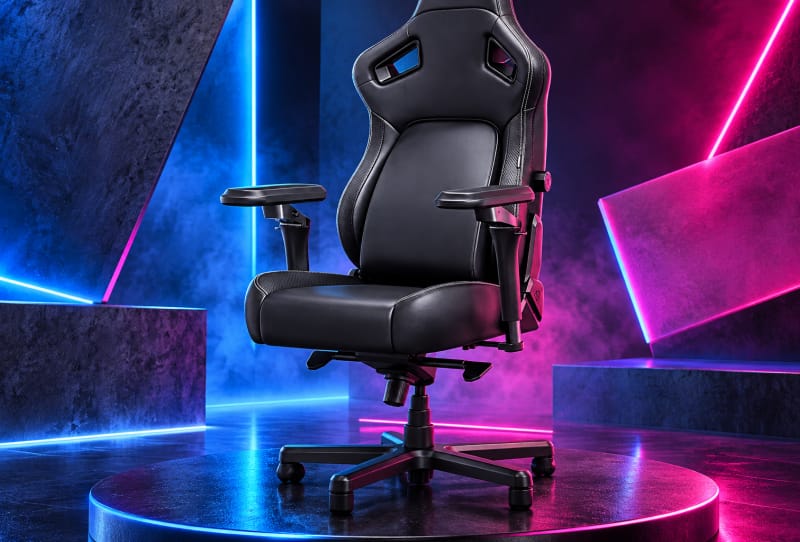
Gaming · Guides
Best Gaming Chairs for Back Pain: A Buyer’s Guide
Choosing the best gaming chairs for back pain comes down to adjustable lumbar support, correct seat depth and a chair that encourages movement.
Guides · Software
How to Merge Two Plex Server Libraries Into One
Plex has no built-in merge button, so combining two libraries means consolidating your media folders and pointing one library at both.

Gaming · Guides
How to Pick a Gaming Chair for Back Pain Relief
Discover how to choose a gaming chair for back pain, with lumbar support, seat depth, and posture tips for long sessions.
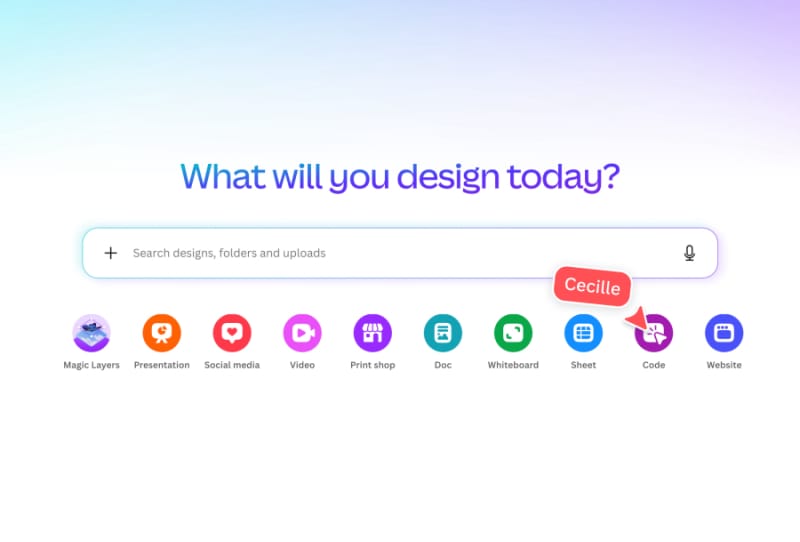
Guides · Software
How to Choose the Best AI Code Generators for Developers
A practical guide to choosing, setting up, and troubleshooting AI code generators for developers, with a comparison of the top tools available.
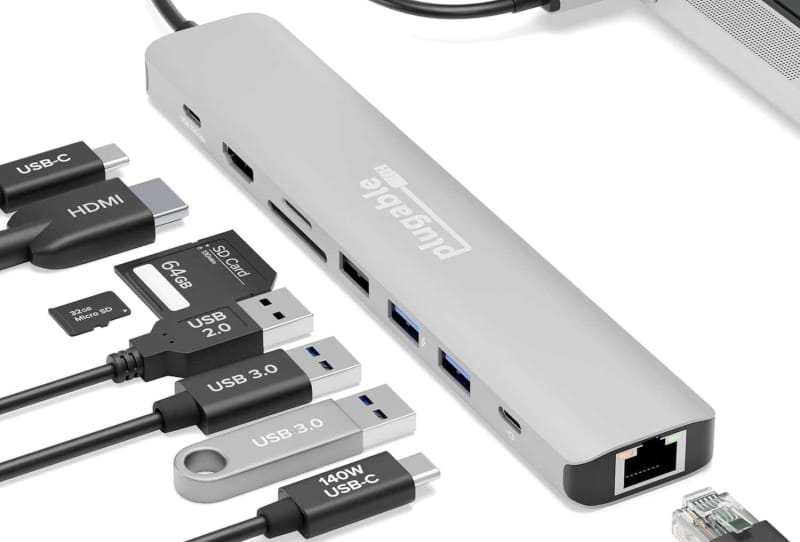
Guides · Hardware
How to Choose the Best USB-C Hub for MacBook Pro
Picking the best USB-C hub for MacBook Pro comes down to ports, display support, charging power and data speed.
Audio · Guides
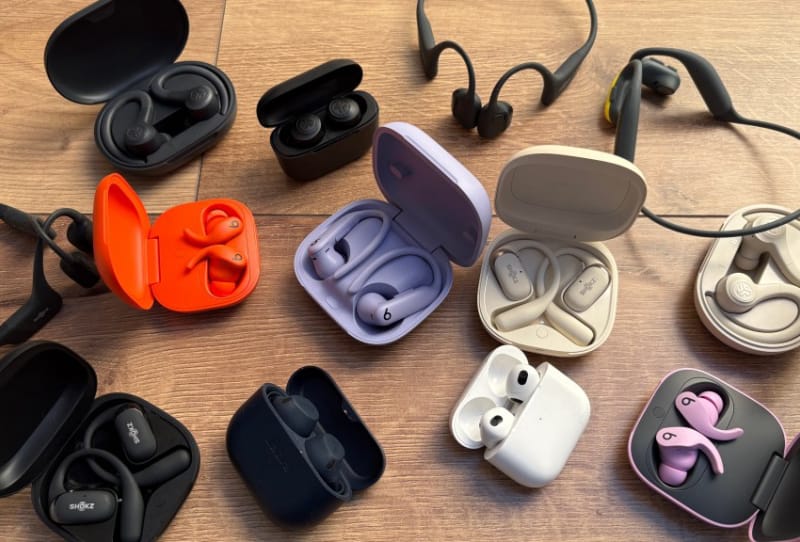
How to Choose the Best Wireless Earbuds for Running
The best wireless earbuds for running fit securely, resist sweat, and last through your longest sessions.
Guides · Network & Storage
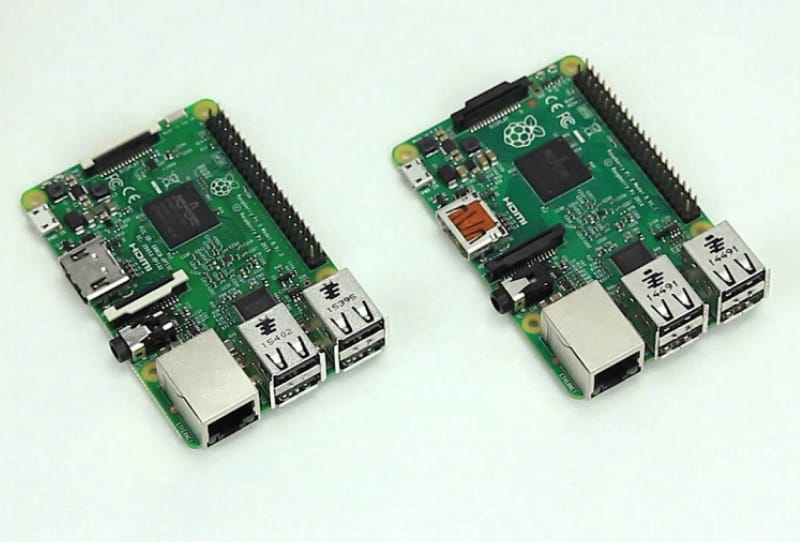
How to Set Up a Plex Media Server on a Raspberry Pi
Set up Plex server on Raspberry Pi by installing the official Plex repository, mounting your media, and fixing folder permissions.

Guides
How to Fix a Plex Server That Won’t Claim
A Plex server not claiming to your account is usually a network or leftover-device issue, not a broken install.
