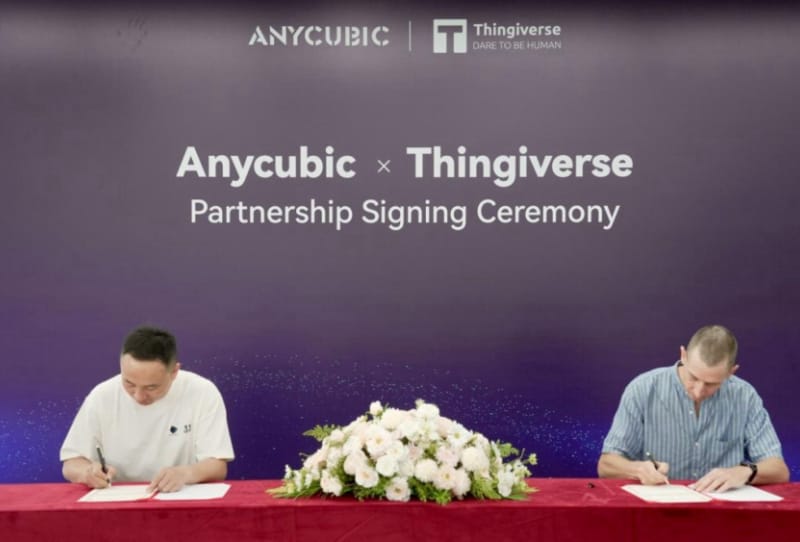
The new Anycubic Thingiverse partnership lets owners of Anycubic 3D printers send multicolour models straight from Thingiverse to their machines without manually downloading, converting or slicing files first. The two companies have announced an exclusive integration that connects Thingiverse’s enormous model library directly to Anycubic’s MakerOnline platform, promising one-click printing of multicolour 3MF files.
Key takeaways
- ✓Anycubic and Thingiverse have formed an exclusive partnership for direct model-to-printer workflows
- ✓The deal centres on MakerOnline, Anycubic's cloud platform, enabling one-click printing of multicolour 3MF files
- ✓It removes the need to manually download, slice and configure colour-separated files before printing
- ✓The move mirrors rival ecosystems like Bambu Lab's MakerWorld, intensifying competition among 3D printing platforms
For anyone who has spent an evening wrestling with colour-separated STL files, this is a genuinely useful shortcut. Multicolour and multi-material printing has exploded in popularity over the past two years, largely thanks to add-on systems like Anycubic’s ACE Pro and Bambu Lab‘s AMS. But the workflow behind it has stayed stubbornly fiddly, often requiring users to manually assign colours to each part of a model inside a slicer before anything can print correctly.
Table of Contents
What the Anycubic Thingiverse partnership changes
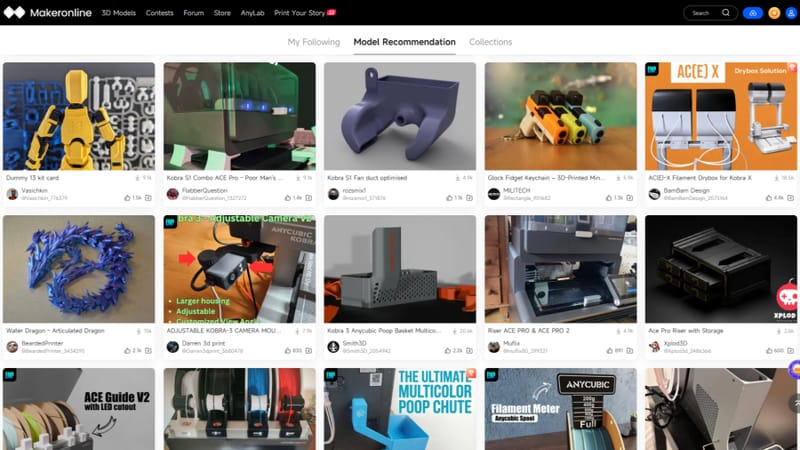
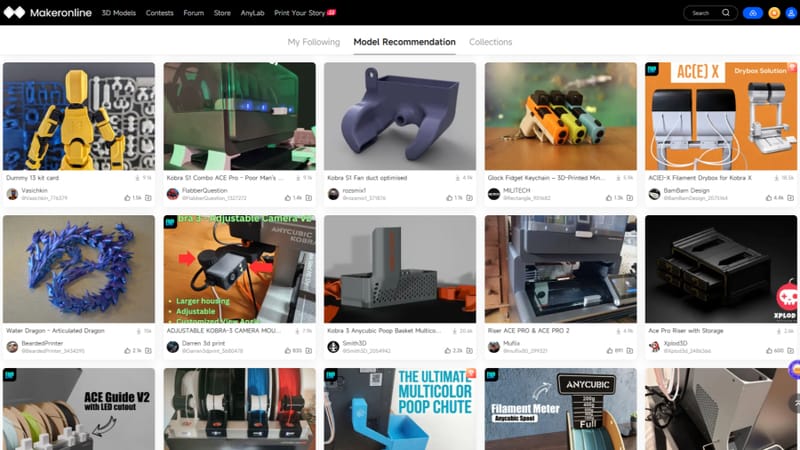
Under the new arrangement, models uploaded to Thingiverse in the 3MF format, which can carry colour and material instructions embedded in the file itself, can be pushed directly into MakerOnline for printing. Anycubic describes this as a one-click process: a user browsing Thingiverse selects a compatible model and sends it to their printer through the platform, skipping the usual detour through a desktop slicer.
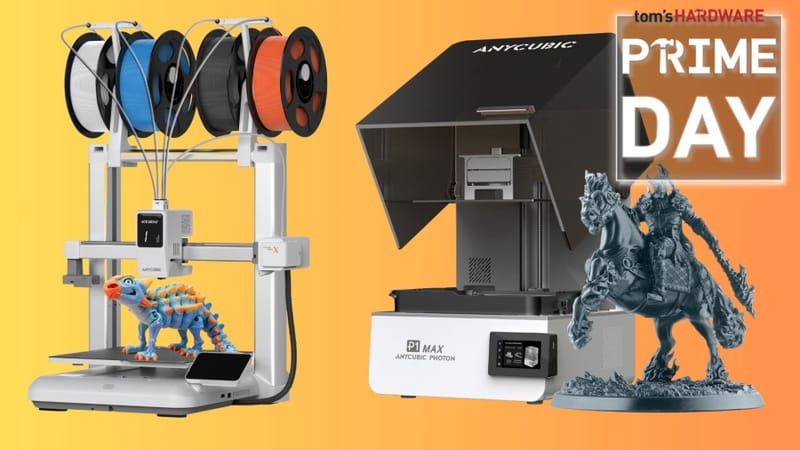
That matters because 3MF is specifically designed to solve a problem that plain STL files cannot. An STL is just raw geometry, with no information about colour, material or print settings. A 3MF file can bundle all of that together, which is exactly what multicolour printing needs to work smoothly. Making that format easy to access and print, rather than something only advanced users bother configuring, is the real point of this deal.
Why Thingiverse and MakerOnline are teaming up now
Thingiverse has been the default home for free 3D printable models since the early MakerBot days, and it remains one of the largest libraries on the internet despite newer rivals chipping away at its dominance. Those rivals include Prusa’s Printables and Bambu Lab’s MakerWorld, both of which have built slicer and printer integrations of their own to keep users inside a single ecosystem from browsing to printing.
Anycubic’s MakerOnline platform has existed as the company’s cloud-based hub for managing prints, monitoring jobs and organising files. Linking it to Thingiverse’s catalogue gives Anycubic owners a far larger pool of ready-to-print, colour-aware models than the brand could realistically build on its own. It also gives Thingiverse a direct hardware partner at a time when competing repositories are increasingly tied to specific printer brands.
How it stacks up against rival ecosystems
The timing is notable. Bambu Lab has spent the past few years turning MakerWorld into a tightly integrated pipeline between its model library and its printers, a strategy credited with much of the brand’s rapid growth. Creality has pushed similar integrations through its own apps and slicers, including for printers covered in a review of Creality’s own multicolour combo printer. Anycubic’s tie-up with Thingiverse looks like a direct response, borrowing an established library instead of building one from scratch.
| Platform | Model library | Direct-to-printer integration |
|---|---|---|
| Thingiverse + MakerOnline | Large, long-established, now Anycubic-linked | Yes, via new exclusive partnership |
| MakerWorld | Bambu Lab’s own growing library | Yes, built-in since launch |
| Printables | Prusa’s community library | Partial, via Prusa slicer plugins |
It is worth noting the deal is described as exclusive, meaning other printer brands are unlikely to get the same direct pipeline into Thingiverse. That is a meaningful shift for a repository that has historically been brand-agnostic, and it raises the question of whether other manufacturers will respond with exclusive deals of their own, or lean harder into their existing platforms such as Bambu Lab’s rival ecosystem.
What it means for Anycubic owners and the wider hobby
For existing Anycubic owners, including those running machines like Anycubic’s own Kobra 3 Combo, the practical upside is less time spent on file preparation and more time actually printing. Newer hobbyists in particular stand to benefit, since the fiddly parts of multicolour printing have historically been the biggest barrier to entry.
The broader implication is a 3D printing market that is consolidating around a handful of closed loops, where the printer, the slicer and the model library are all tied together under one brand. That is convenient for users who stay within one ecosystem, but it does mean less flexibility for anyone who owns printers from multiple manufacturers and would prefer a single, brand-neutral source of models.
Frequently asked questions
What is 3MF and why does it matter for multicolour printing?
3MF is a file format that can store colour, material and print-setting information alongside the model geometry itself, unlike a plain STL file. That makes it far easier to print multicolour objects correctly without manually assigning colours in a slicer.
Does the Anycubic Thingiverse partnership work with all Anycubic printers?
The integration runs through Anycubic’s MakerOnline platform, so it is expected to work with printers that support MakerOnline and multicolour or multi-material setups such as the ACE Pro system, rather than every printer the company has released.
Will other 3D printer brands get the same Thingiverse integration?
The partnership has been described as exclusive to Anycubic, so other manufacturers are not currently expected to receive the same direct, one-click printing link to Thingiverse’s library.
Is Thingiverse still free to use after this deal?
Thingiverse remains a free model-sharing platform. The partnership adds a new printing pathway for Anycubic owners rather than changing how the library itself is accessed or priced.