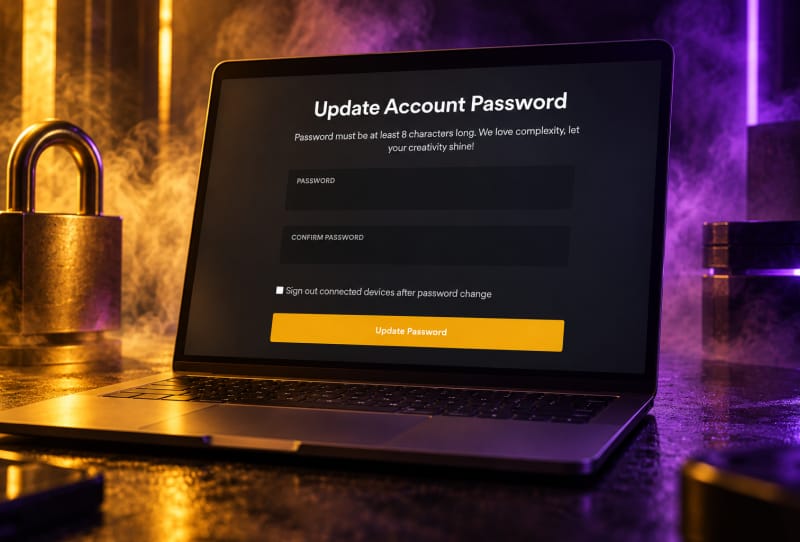
You change your Plex account password by signing in to the Plex web app, opening Account Settings, and updating the password field there, since Plex passwords are managed centrally on your account rather than inside any single server or device app. This guide walks you through that process, plus what to do if you have forgotten your current password and need to reset it instead.
Key takeaways
- ✓You change a Plex password through the Account section of the Plex web app, not through individual server apps
- ✓A Plex password reset link is sent only if the email address matches an active, existing Plex account
- ✓Signing in with Google or Apple means your password lives with that provider, not with Plex
- ✓After changing your password, review Authorized Devices to remove any logins you no longer recognise
- ✓Plex usernames can only use letters, numbers, underscores, and periods, up to 30 characters
Table of Contents
What you’ll need
- Access to the email address linked to your Plex account
- A web browser or the Plex app with internet access
- Your current Plex password, if you remember it
- A few minutes to also check and update any devices signed in to your account
How to change your Plex account password
If you already know your current password and just want to update it, the process is straightforward through the Plex web app.
- Go to the Plex web app and sign in with your existing username or email and password.
- Click your profile icon in the top right corner of the screen and select Account Settings.
- On the Account page, find the password field and select Edit next to it.
- Enter your current password, then type your new password and confirm it.
- Save the change. Plex will apply the new password to your account immediately, which covers every app and server linked to that account.
Because your Plex login is shared across every device and Plex server settings and preferences you manage, there is no need to repeat this step on each app individually. One password change updates access everywhere your account is used, including TVs, phones, and any server you own or are invited to.
How to reset a forgotten Plex password
If you cannot remember your current password, you will need to reset it instead of changing it directly.
- Open the Plex sign-in screen and look for the “Forgot?” link near the email sign-in option.
- Enter the email address associated with your Plex account and submit the form.
- Check your inbox for a password reset email. It is only sent if that address matches an active Plex account, so check your spelling if nothing arrives.
- Follow the link in the email to set a new password.
- Sign back in to Plex using your new password to confirm it has taken effect.
If you signed up originally using a Google or Apple account rather than an email and password, there is no separate Plex password to reset. In that case, you manage your login security through your Google or Apple account instead, and Plex simply follows whatever authentication that provider uses.
Tips and troubleshooting
- No reset email arriving usually means either the address was typed incorrectly, there is no active Plex account tied to it, or the account was previously deleted.
- Check your spam or junk folder before assuming the email hasn’t been sent, since automated account emails sometimes get filtered there.
- After changing your password, open the Authorized Devices section of your account to review which apps and servers are still signed in, and remove anything you do not recognise.
- If a server stops syncing properly after a password change, it may need to be reclaimed. The guide on fixing a Plex server that won’t claim to your account covers that specific issue.
- If you manage your Plex account on a shared or public network, consider using Plex with a VPN safely to add another layer of protection around your login.
- Remember that usernames on Plex can only contain letters, numbers, underscores, and periods, with a maximum of 30 characters, so if you are also updating your username at the same time, keep that limit in mind.
Frequently asked questions
Do I need to change my password on every Plex app separately?
No. Plex accounts work across every app and server tied to them, so changing your password once through the Plex web app account page updates your login everywhere that account is used.
What happens if I signed up using Google or Apple instead of an email and password?
If your Plex account is linked through Google or Apple sign-in, there is no standalone Plex password to change. Updating your login security means changing the password on that linked Google or Apple account instead.
Why didn’t I receive a password reset email?
This usually happens when the email entered does not match an existing, active Plex account, or when the account was previously deleted. Double-check the address for typos and look in your spam folder before trying again.
Will changing my password log me out of my Plex server?
It can sign out existing sessions on some devices as a security measure. If a server appears disconnected afterwards, review your Plex account settings and authorized devices list, then sign back in where needed.