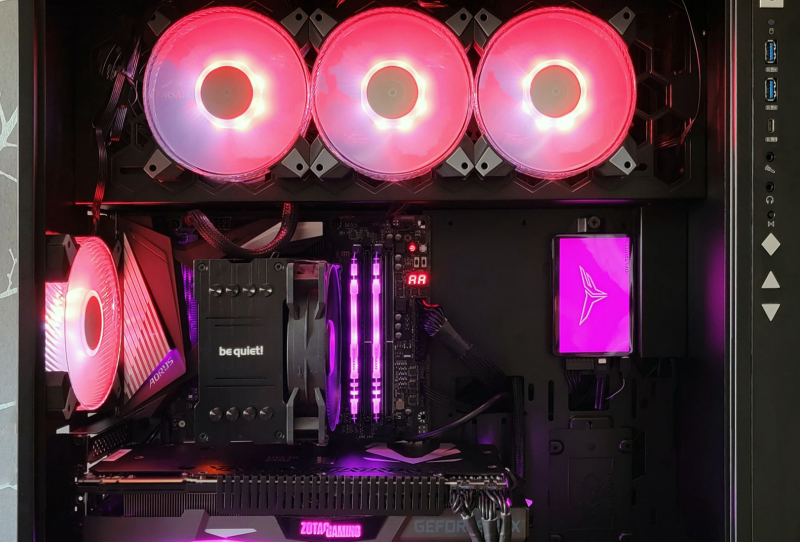
The Windows 11 RGB lighting bug has been officially confirmed by Microsoft, and it explains a wave of blue screens, frozen games, and random restarts reported by owners of PCs fitted with RGB keyboards, mice, coolers, and other lit-up peripherals. The company has traced the fault to update KB5121003, saying the software that controls RGB lighting is clashing with core parts of the operating system.
For a lot of PC builders, RGB lighting is more than decoration. It is tied to fan curves, macro profiles, and system monitoring through dedicated control suites. When those programs stop talking properly to Windows, the fallout is not cosmetic. It can mean a locked-up desktop mid-game or a crash that takes an open project down with it.
Table of Contents
What’s Actually Going Wrong
According to Microsoft, the problem sits at the level where RGB control software hooks into Windows to manage lighting effects in real time. KB5121003 altered how the operating system handles certain background processes, and that change appears to conflict with the way many RGB utilities maintain a constant connection to hardware components.
The result is not a single, predictable failure. Some users report their machine freezing entirely, forcing a hard reboot. Others see a blue screen of death appear during normal use, with no obvious trigger beyond having RGB software running in the background. A smaller group has reported spontaneous restarts, particularly during gaming sessions when GPU and peripheral lighting effects are syncing simultaneously.
Which RGB Software Is Affected
Microsoft has not published a definitive list of every affected program, but user reports and early investigation point to several of the biggest names in RGB control software. These include Corsair’s iCUE software, Razer Synapse, ASUS Aura Sync, MSI’s Mystic Light, and Logitech G Hub. Given how widely these platforms are bundled with gaming peripherals, the practical reach of the Windows 11 RGB lighting bug is significant.
| RGB Software | Common Use Case | Reported Impact |
|---|---|---|
| Corsair iCUE | Keyboards, mice, coolers, fans | Freezes, occasional blue screens |
| Razer Synapse | Keyboards, mice, headsets | Random restarts during gaming |
| ASUS Aura Sync | Motherboards, GPUs, RAM | System hangs on boot |
| MSI Mystic Light | Motherboards, graphics cards | Intermittent freezes |
| Logitech G Hub | Mice, keyboards, headsets | Software crashes, driver conflicts |
Not the First RGB Headache for Windows Users
This is not the first time a Windows update has tripped up RGB peripheral software. Earlier feature updates for Windows 11 have previously caused similar conflicts with USB device drivers, occasionally breaking lighting sync or causing peripherals to disconnect and reconnect repeatedly. What sets the KB5121003 situation apart is the severity. Previous issues were largely cosmetic, with lighting effects failing or settings resetting. This time, the bug is producing full system crashes rather than a lighting glitch that users could simply ignore.
It is also a reminder of how fragmented the RGB software ecosystem remains. Unlike graphics drivers, which are tightly controlled by Nvidia, AMD, and Intel, RGB control programs are built independently by dozens of hardware manufacturers, each with its own way of hooking into Windows. That lack of standardisation makes conflicts like this one more likely whenever Microsoft changes how background processes are managed at a system level.
What This Means for Windows 11 Users
Microsoft has acknowledged the issue and says a fix is being worked on, though no firm timeline has been given for when a patch will roll out. In the meantime, affected users have a few practical options. Uninstalling or temporarily disabling RGB control software has stopped the crashes for many people, according to community reports, though that obviously means losing lighting customisation and any macro or fan control features tied to it.
Rolling back KB5121003 through Windows Update’s uninstall option is another workaround some users have tried, though Microsoft generally advises against sitting on an older update for too long given the security patches bundled alongside feature changes. Anyone unsure about the current status of the fix can check Microsoft’s Windows 11 update history page, which tracks known issues and resolutions for each cumulative update.
For buyers considering new peripherals, the episode is a useful reminder that RGB software runs deep in a system rather than sitting as a simple overlay. Products built around suites like Corsair’s iCUE software depend on stable integration with Windows to function properly, and when that integration breaks, the consequences reach well beyond how a keyboard looks. Until Microsoft ships a fix, anyone relying on RGB peripherals for daily work or gaming should keep an eye on update notes before installing the next cumulative patch.