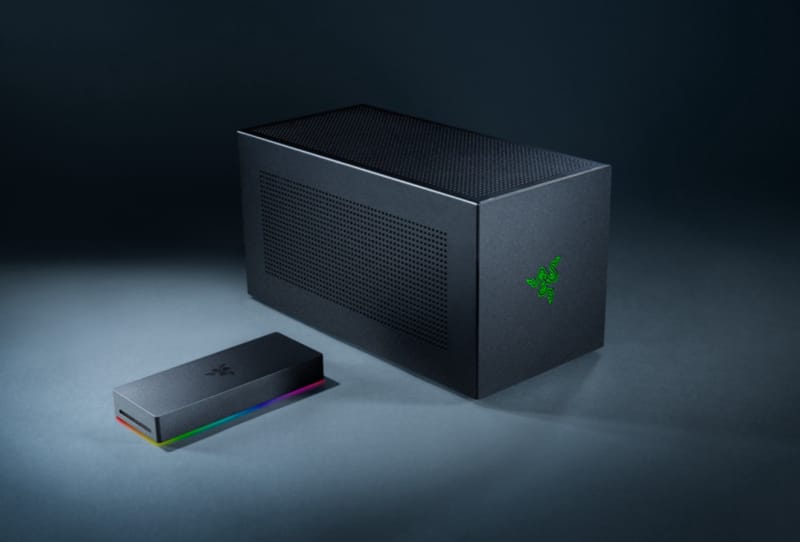
The eGPU vs laptop GPU debate comes down to bandwidth. An external graphics card can carry vastly more raw hardware than anything built into a laptop, but the cable connecting it decides how much of that power actually reaches the screen. Thunderbolt and USB4 simply cannot move data as fast as the internal PCIe link a built-in GPU enjoys, and that bottleneck can quietly erase much of the desktop card’s advantage.
Key takeaways
- ✓Thunderbolt 4 caps PCIe data for an eGPU at roughly 32 Gbps, while Thunderbolt 5 raises that to 64 Gbps
- ✓NVIDIA's desktop RTX 5090 has 1,792GB/s of memory bandwidth versus 896GB/s on the RTX 5090 Laptop GPU
- ✓A laptop GPU avoids the external cable entirely, using a wider internal PCIe connection instead
- ✓Sending frames back to a laptop's built-in screen through an eGPU link adds a further performance penalty
- ✓Reusing an existing desktop GPU in an enclosure makes far more sense than buying a new one purely for an eGPU setup
Connecting a full-size desktop graphics card to a thin laptop sounds like the perfect fix for one of portable computing’s oldest trade-offs. Carry a light machine for travel and work, then plug into something far more powerful at a desk. External GPU enclosures promise exactly that. The catch is that all that extra horsepower has to travel through a Thunderbolt or USB4 connection rather than the direct internal wiring used by a dedicated laptop chip, and that difference matters more than most buyers expect.
Table of Contents
eGPU vs Laptop GPU: Where the Bandwidth Goes
It helps to separate “onboard” graphics, meaning a dedicated GPU built into the laptop, from the basic integrated graphics inside a laptop’s processor. Even when a laptop chip shares a name with its desktop equivalent, the silicon underneath can be dramatically different. NVIDIA’s RTX 5090 Laptop GPU carries 10,496 CUDA cores and 24GB of GDDR7 memory, with a GPU subsystem power range of 95W to 150W. The desktop version of NVIDIA’s desktop RTX 5090 packs 21,760 CUDA cores and 32GB of GDDR7, a substantial gap before Thunderbolt even enters the conversation.
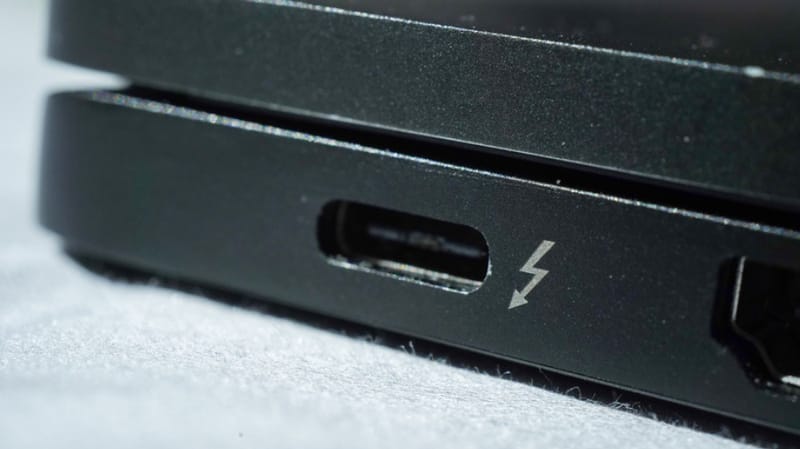
A modern eGPU talks to a laptop over Thunderbolt or USB4 rather than sitting directly on the laptop’s internal PCIe bus, and that handoff is where a chunk of the desktop card’s edge disappears. Thunderbolt 4 offers 40 Gbps of total bandwidth but only guarantees 32 Gbps of PCIe throughput for devices like an eGPU. Thunderbolt 5 lifts the base speed to 80 Gbps and doubles the PCIe allocation to 64 Gbps, detailed on Thunderbolt’s official bandwidth specifications. A built-in laptop GPU, by contrast, can use a wider multi-lane internal PCIe connection depending on how the laptop is designed, giving it far more room to shuffle data without ever touching an external port.
Why the Gap Shows Up More With Powerful Cards
That bottleneck becomes more obvious the more powerful the desktop card is. The desktop RTX 5090 has 1,792GB/s of memory bandwidth and a 575W total graphics power rating, compared with 896GB/s and a 95W to 150W subsystem range for its laptop counterpart. Those figures aren’t PCIe bandwidth numbers directly, but they illustrate just how much raw hardware the desktop card is carrying before the external cable starts to hold it back.
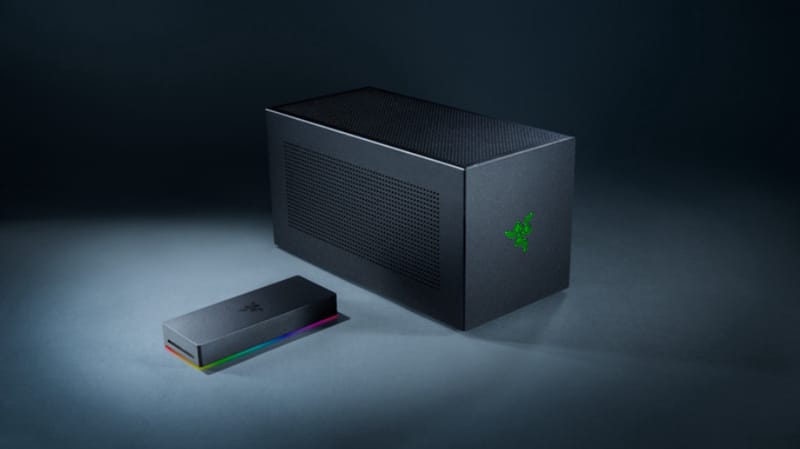
Thunderbolt 5 also introduces a 120 Gbps Bandwidth Boost mode, though that doesn’t translate into 120 Gbps of PCIe bandwidth for a graphics card. Intel’s own figures confirm PCIe throughput still tops out at 64 Gbps in that mode. USB4 can carry PCIe traffic too, but a USB-C-shaped port alone says nothing about eGPU compatibility. The host laptop, the enclosure, the drivers, the GPU and the power delivery all need to cooperate before an eGPU setup works properly.
| Spec | RTX 5090 Laptop GPU | RTX 5090 (Desktop) |
|---|---|---|
| CUDA cores | 10,496 | 21,760 |
| Memory | 24GB GDDR7 | 32GB GDDR7 |
| Memory bandwidth | 896GB/s | 1,792GB/s |
| Power | 95W to 150W (subsystem) | 575W (total graphics power) |
Display Routing Adds Another Penalty
Using a laptop’s own built-in screen with an eGPU can introduce a further slowdown, because rendered frames may need to travel back through the same restricted connection they came through. This is one reason some manufacturers recommend plugging an external monitor straight into the eGPU enclosure rather than relying on the laptop panel. There’s no single, universal percentage for how much performance gets lost this way, since the result depends on the GPU, the laptop, the connection type, the resolution and the game being run.
A laptop’s onboard GPU starts with less raw hardware, but it sidesteps most of this plumbing altogether. It operates inside the laptop’s existing cooling and power budget, never has to send finished frames back over an external cable, and stays with the machine wherever it goes. Readers interested in how laptop graphics chips keep evolving to close that gap might also look at newer chips designed to blur the line between work and gaming laptops.
What This Means for Buyers
The portability promise of a traditional eGPU setup is more aspirational than practical. Instead of one laptop doing everything, a desk ends up with an enclosure, a desktop-class card and possibly a separate power supply as well. A large graphics card adds bulk, heat and noise to that arrangement, which somewhat undercuts the appeal of owning a slim laptop in the first place.
The maths improves considerably for anyone who already owns a spare desktop GPU after an upgrade. In that scenario, an enclosure can meaningfully boost a laptop’s graphics performance without the expense of an entirely new machine. It’s a tougher case to make for buying a high-end desktop card purely to pair with an eGPU enclosure, given that a meaningful share of that card’s performance never makes it past the cable. Those exploring alternatives might also compare wireless eGPU solutions that skip the cable entirely, or look at choosing a PCIe 5.0 graphics card for a desktop build instead.
Frequently asked questions
Is an eGPU as fast as a laptop’s built-in GPU?
Not always. An eGPU can carry far more raw hardware than a laptop chip, but Thunderbolt or USB4 bandwidth limits how much of that extra power actually reaches games or applications, so real-world gains vary widely by setup.
Does Thunderbolt 5 fix the eGPU bottleneck?
It helps but doesn’t eliminate it. Thunderbolt 5 doubles PCIe throughput to 64 Gbps compared with Thunderbolt 4’s 32 Gbps, yet that’s still well short of the bandwidth a desktop GPU can use over an internal PCIe slot.
Is an eGPU worth buying for a gaming laptop?
It depends on circumstances. Pairing an enclosure with a spare desktop GPU already sitting idle after an upgrade tends to make more sense than buying a new high-end card specifically for external use, since bandwidth limits reduce the return on that investment.
Can any USB-C port on a laptop support an eGPU?
No. A USB-C-shaped port doesn’t guarantee eGPU support. The laptop’s internal hardware, the enclosure, drivers and power delivery all need to be compatible before an external graphics card will work correctly.