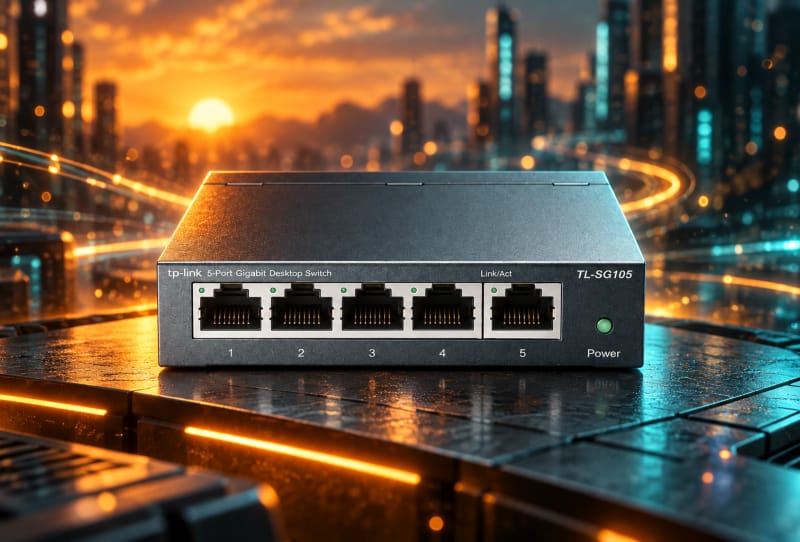
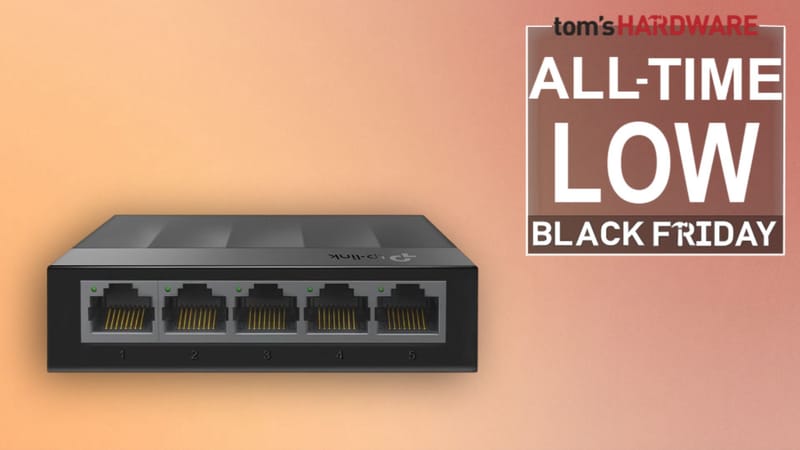
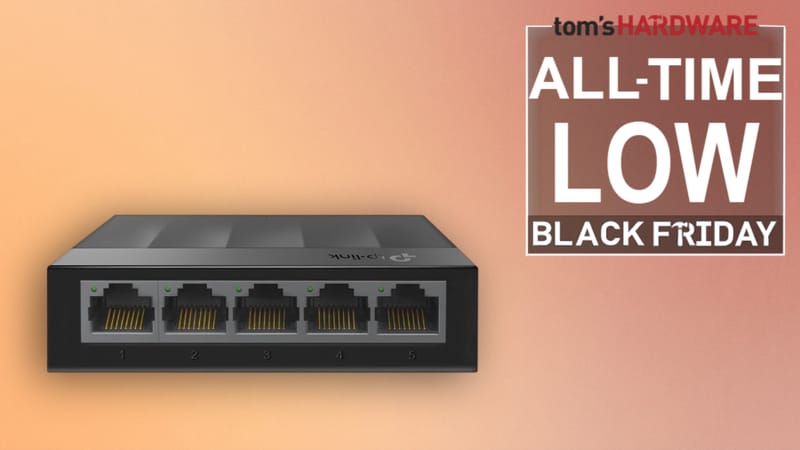
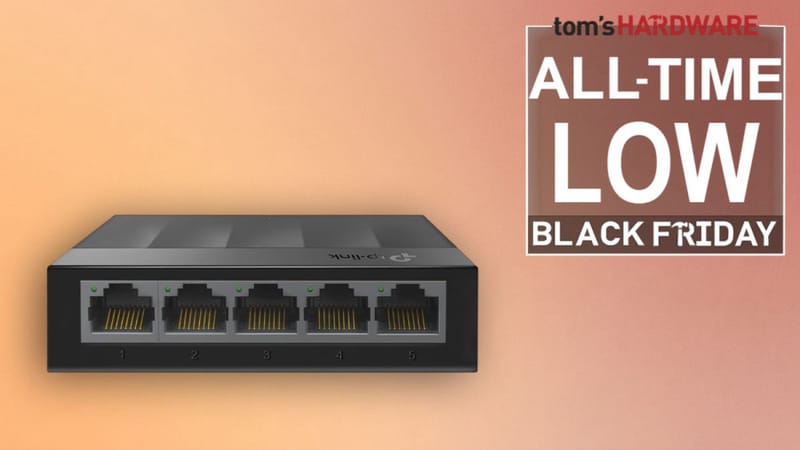
TP-Link has put a simple but genuinely useful piece of kit back in the spotlight: the LS1005G Lightwave, a five-port unmanaged gigabit Ethernet switch built to solve the oldest problem in home networking, not having enough ports. For anyone running a homelab, a small office, or a growing stack of smart home gear, a TP-Link 5-port Ethernet switch like this one turns a single router port into five usable connections without any setup hassle.
Key takeaways
- ✓TP-Link's LS1005G Lightwave switch adds five gigabit Ethernet ports to a home or office network.
- ✓It is a plug-and-play unmanaged switch, requiring no software setup or configuration.
- ✓Each port supports gigabit speeds, suiting NAS boxes, smart home hubs and desktop PCs alike.
- ✓The compact design suits homelabs, small offices and rooms with limited wiring.
- ✓Unmanaged switches trade advanced features for simplicity, making them ideal for non-technical users.
Unmanaged switches rarely make headlines, but they solve a problem almost every household eventually runs into. Routers typically ship with just four LAN ports, and once a NAS, a games console, a desktop PC and a smart home hub are all competing for space, something has to give. A switch like this one quietly fixes that bottleneck.
Table of Contents
What the TP-Link 5-port Ethernet switch actually offers
The LS1005G is part of TP-Link’s Lightwave range, and it sticks to the fundamentals that make unmanaged switches so appealing. Five gigabit ports mean every connected device can theoretically push speeds up to 1000Mbps, assuming the rest of the network can keep up. There’s no app, no login screen and no firmware to update. Plug an uplink cable in from the router, connect the devices that need wiring, and the switch handles the rest automatically.
That simplicity is the entire point. Unmanaged switches like this one handle traffic using fixed hardware logic rather than configurable software, which means there’s nothing for a user to break. For a five-port gigabit switch of this size, that typically translates to a combined switching capacity in the order of 10Gbps, enough headroom to let multiple devices talk to the network at full speed simultaneously without choking the connection.
Why homelabbers and IoT setups like this kind of switch
Homelab enthusiasts tend to accumulate hardware fast: a NAS for storage, a mini PC running virtual machines, maybe a Raspberry Pi or two handling automation tasks. Each of those benefits from a wired connection rather than Wi-Fi, both for reliability and for raw throughput. A TP-Link 5-port Ethernet switch gives that kind of setup room to grow without forcing an upgrade to a managed switch with features most home users will never touch.
The same logic applies to smart home and IoT networking. Hubs for lighting, security cameras and sensors often perform best on a stable wired backbone, even if the end devices themselves connect wirelessly. Plugging a hub into a dedicated port on an unmanaged switch, rather than fighting for space on the router itself, keeps the rest of the network free of congestion.
Small offices sit in a similar spot. A handful of desktop PCs, a shared printer and a VoIP phone can easily outnumber the ports on a basic router. Rather than investing in enterprise-grade networking equipment, a compact switch like this one adds capacity exactly where it’s needed, without adding complexity.
Unmanaged versus managed switches: what buyers give up
It’s worth understanding what an unmanaged switch doesn’t do, because that trade-off is exactly why it’s so affordable and simple. Managed switches allow network administrators to segment traffic into VLANs, prioritise certain devices with quality-of-service rules, and monitor port-level statistics through a web dashboard. None of that exists here.
| Feature | Unmanaged switch (LS1005G style) | Managed switch |
|---|---|---|
| Setup | Plug and play, no configuration | Requires initial setup via app or browser |
| VLAN support | No | Yes |
| Traffic prioritisation | No | Yes (QoS rules) |
| Typical use case | Home, homelab, small office | Business networks, larger homelabs |
| Port count on this model | 5 gigabit ports | Varies, often 8 or more |
For the vast majority of homes and small setups, that missing complexity is a feature, not a flaw. Most households don’t need to segment a guest network from a security camera feed at the switch level, and plenty of homelabbers would rather spend their configuration time on the servers and software running behind the switch rather than the switch itself.
What it means for anyone expanding a home network
The appeal of a product like the TP-Link 5-port Ethernet switch isn’t that it does anything revolutionary. It’s that it solves a genuinely common problem with almost zero friction. Anyone who has run out of router ports, strung an Ethernet cable across a room, or wondered why a smart home hub keeps dropping connections over Wi-Fi has a reason to consider one.
It also pairs naturally with other hardware upgrades. Someone setting up a compact NAS like the Synology DS725Neo+ will likely need a spare gigabit port to connect it directly rather than relying on Wi-Fi for file transfers. The same goes for anyone tidying up a desk with a Thunderbolt dock for a cleaner desk setup, since both devices benefit from a stable wired backbone feeding into the rest of the home network.
TP-Link has been busy on the networking front more broadly, including work on TP-Link’s upcoming Wi-Fi 8 routers, which shows the company pushing hardware at both ends of the spectrum, from next-generation wireless standards down to no-frills wired switches that just need to work. For a reader simply trying to free up ports without wading into network administration, that’s exactly the kind of straightforward hardware worth keeping on the shopping list.
Frequently asked questions
What is an unmanaged Ethernet switch used for?
An unmanaged switch adds extra wired ports to a network without requiring any configuration. It’s suited to homes, homelabs and small offices that need more connections but don’t need advanced features like VLANs or traffic prioritisation.
Is the TP-Link 5-port Ethernet switch suitable for gaming or streaming?
Yes. Since every port supports gigabit speeds, it can comfortably handle consoles, streaming devices and PCs that need a stable wired connection rather than relying on Wi-Fi.
Does this switch need any setup or an app?
No. Unmanaged switches like this one are plug and play. There’s no app, login or firmware update required, which is part of why they suit non-technical users and quick network expansions.
How many devices can connect to a 5-port switch?
Up to five devices can connect directly, though one port is usually used as an uplink back to the router, leaving four free ports for additional hardware such as a NAS, PC, smart home hub or games console.