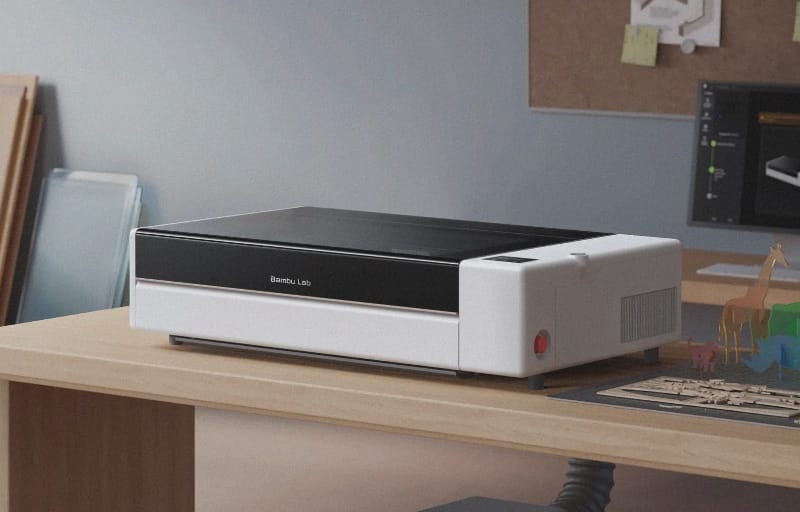
Bambu Lab built its name on 3D printers that strip the fuss out of precision manufacturing, and with the Bambu Lab R1 the company brings that same approach to laser cutting and engraving. It is a 55W CO2 laser machine designed to cut and mark a huge range of materials, from timber and acrylic through to leather, fabric, glass and anodised aluminium. For Australian hobbyists, small makers and classrooms who have wanted a serious CO2 laser without the usual headaches, the R1 lands as a genuinely exciting addition to the maker’s toolkit.
Review summary
Bambu lab R1
The Bambu Lab R1 is a 55W CO2 laser cutter that brings user-friendly design and automation to a traditionally complex tool, making precision laser cutting accessible to hobbyists and small makers without the typical setup headaches. Automatic optical alignment, intelligent camera-based positioning and modular expandability deliver genuine capability in a compact, enclosed package that handles everything from acrylic and wood through to leather, fabric and glass.
Highlights
- ✓Automatic optical alignment removes tedious manual mirror adjustment
- ✓TriSense camera system ensures precise cuts on irregular or uneven materials
- ✓55W capability cuts up to 20mm acrylic and 18mm plywood in single pass
- ✓Interchangeable lenses and modular accessories extend functionality
- ✓Crossflow ventilation keeps work area clear during operation
What makes this machine stand out before you even switch it on is how much of the traditionally fiddly setup has been automated. CO2 laser cutters have historically demanded patience, careful manual mirror alignment and a fair bit of trial and error before a clean cut ever appears. Bambu Lab has clearly looked at that experience and decided to engineer the frustration out of it, borrowing sensor technology, motion control and the intelligent algorithms that already make its 3D printers so dependable.
This review walks through how the R1 is built, what its headline features actually do in practice, and how it feels to use day to day across cutting, engraving and accessory-driven projects. It also looks at how the modular ecosystem, including the rotary attachment, riser base and conveyor feed, extends what the machine can tackle well beyond a standard desktop footprint.
Table of Contents
Design and Functionality
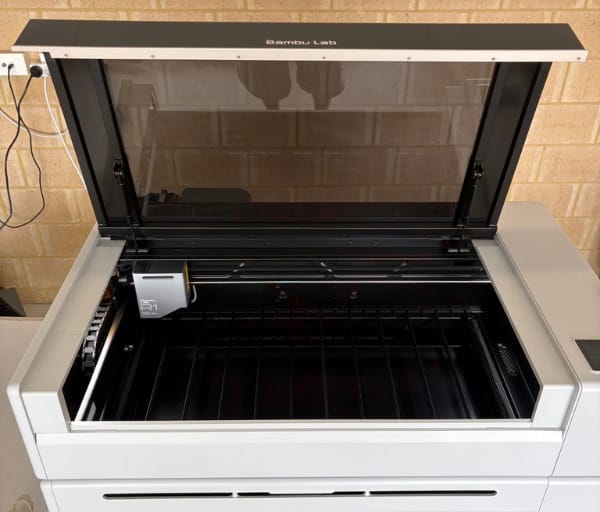
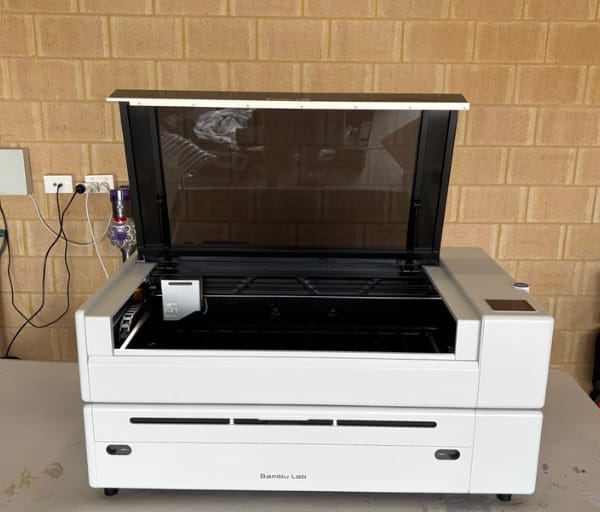
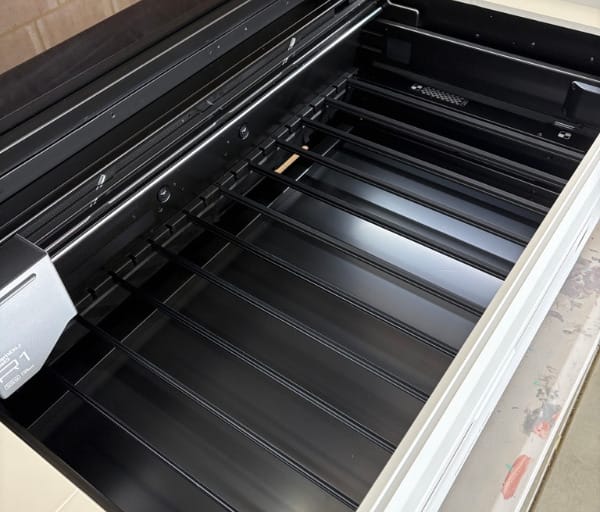
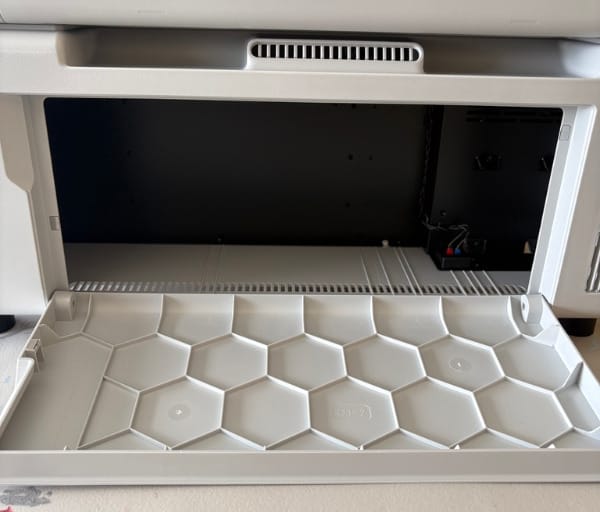
The Bambu Lab R1 presents as a solid, enclosed CO2 laser unit with a working area of 600 by 300mm, which is a generous amount of cutting real estate for a machine that still fits comfortably on a workbench or dedicated workshop table. The enclosure keeps the laser contained during operation, which matters both for safety and for keeping smoke and fumes managed within the chamber rather than drifting into the room.
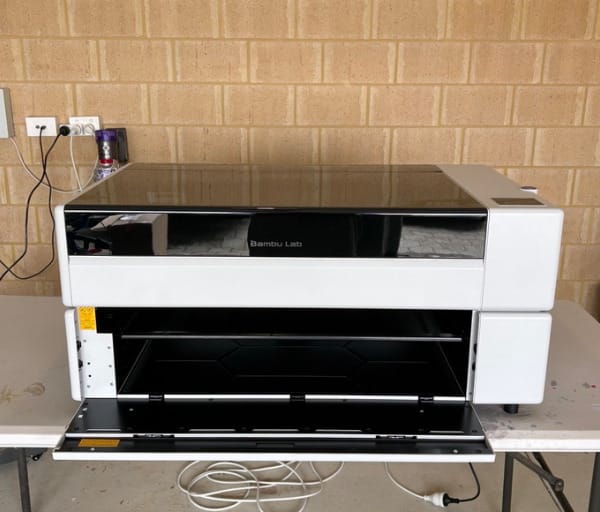
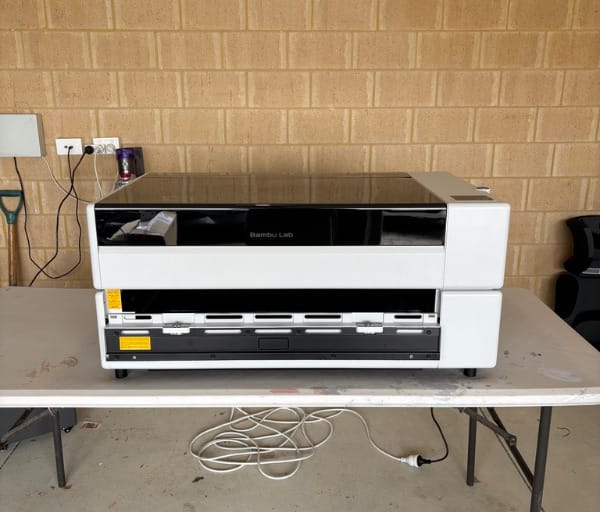
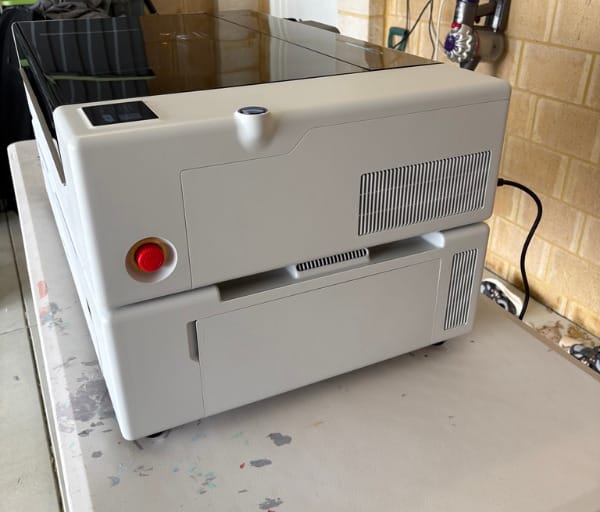
At 33.5kg, the R1 has real heft to it, and that weight reflects the quality of components packed inside, including the CO2 laser tube itself and its supporting optics. It is not a one-person lift straight out of the box, so having a second set of hands for unboxing and placement makes the initial setup far smoother.
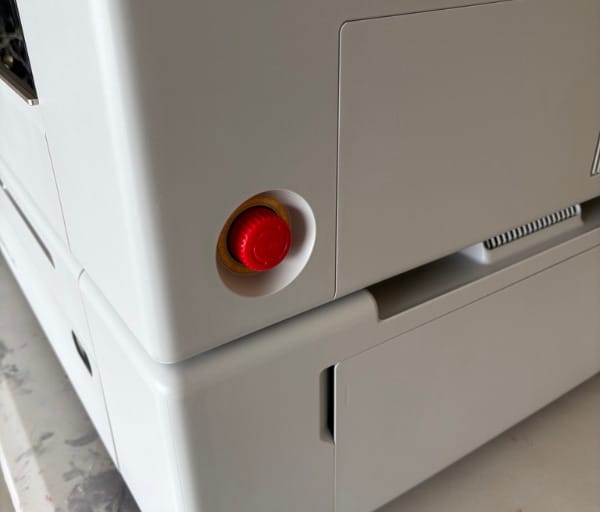
Bambu Lab has clearly thought about the unboxing experience, much as it has with its 3D printer range. The shipping box is designed in two sections, with the top lifting away cleanly to expose the machine and its included accessories, rather than requiring an awkward dig through packing foam.
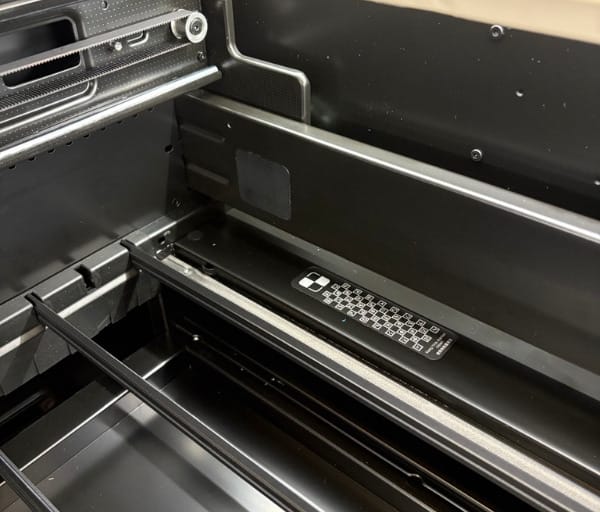
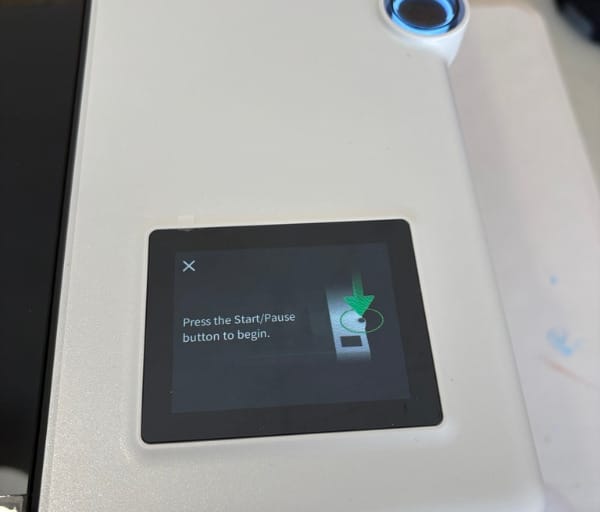
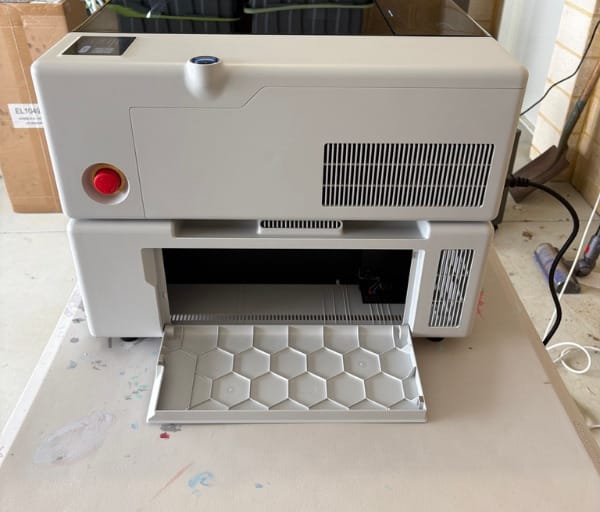
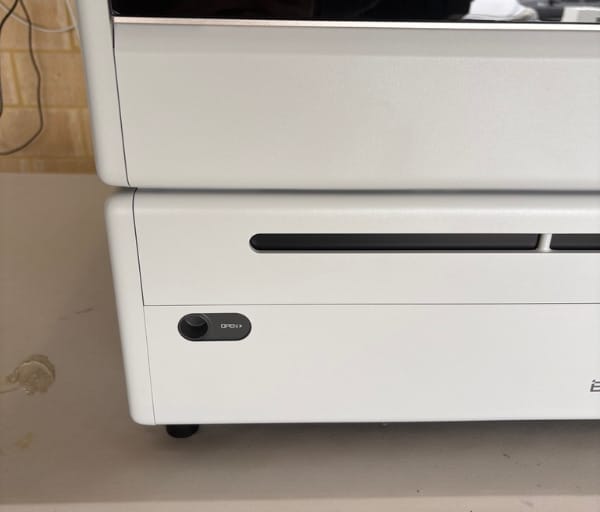
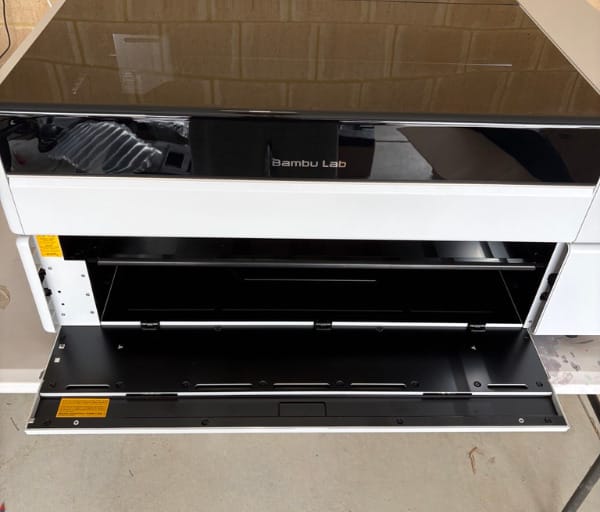
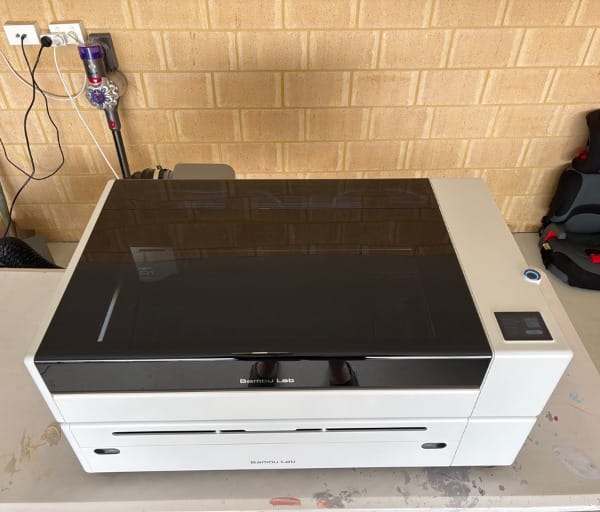
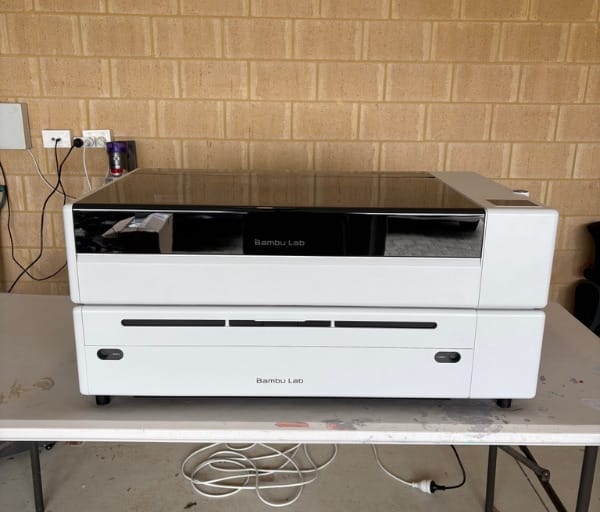
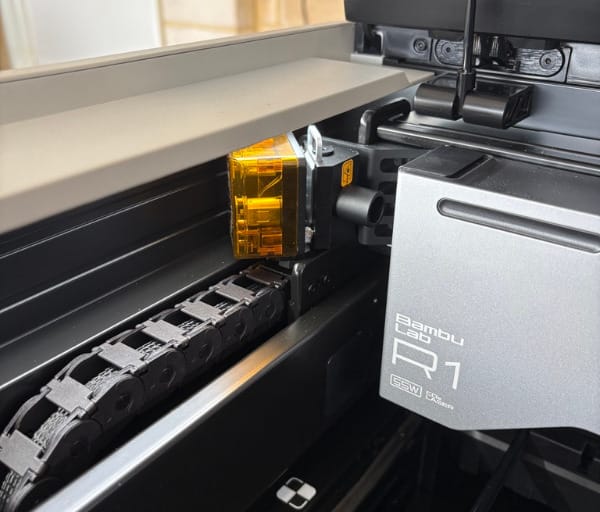
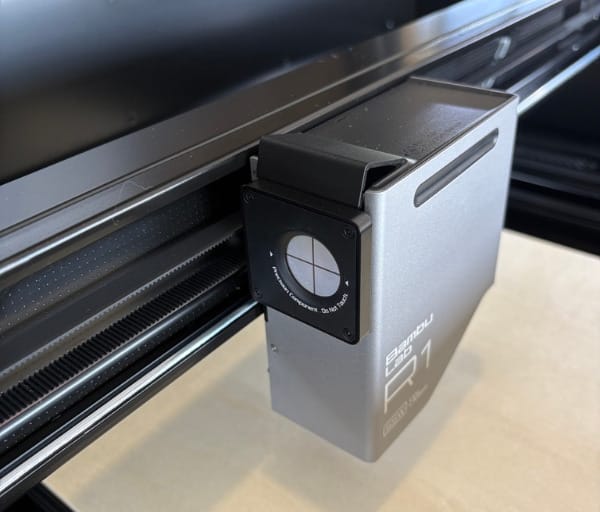
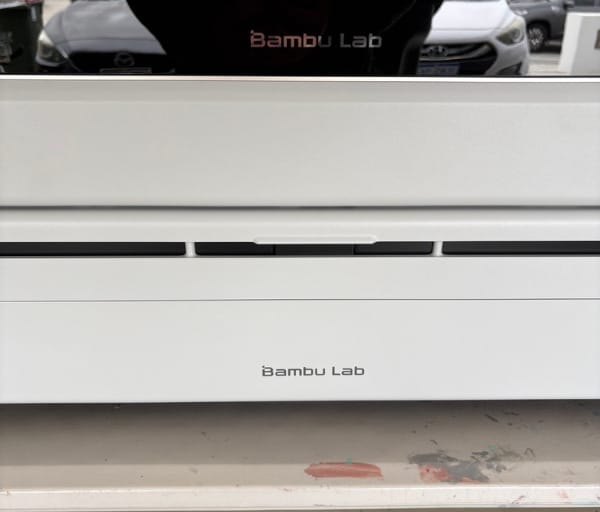
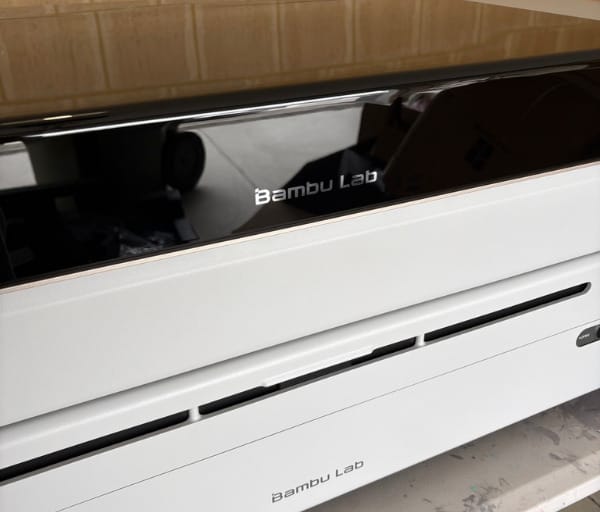
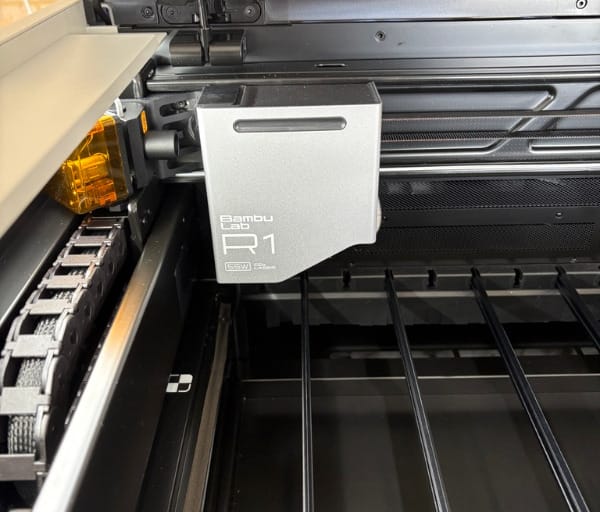
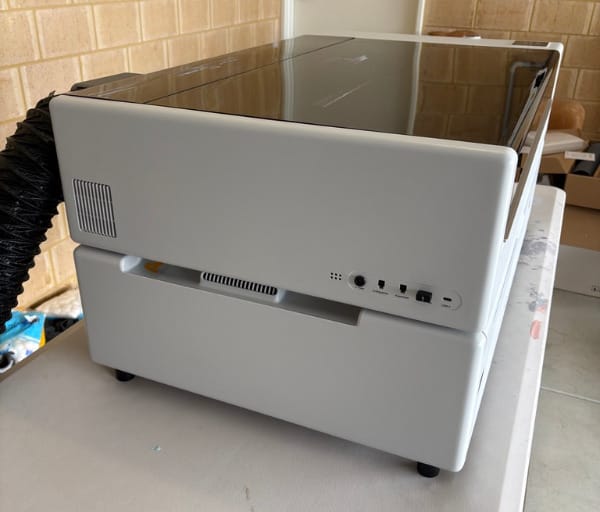
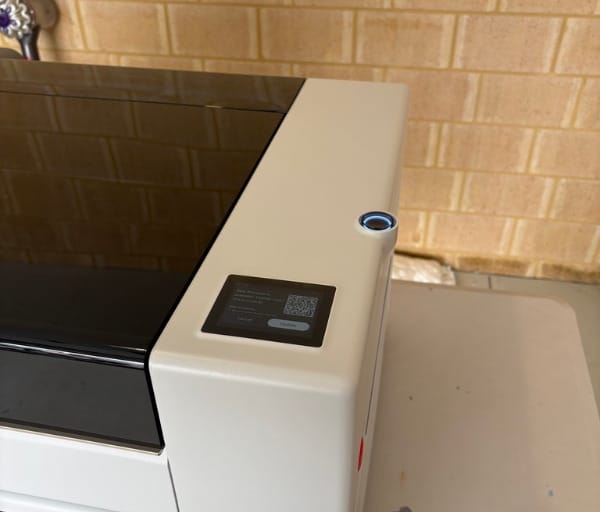
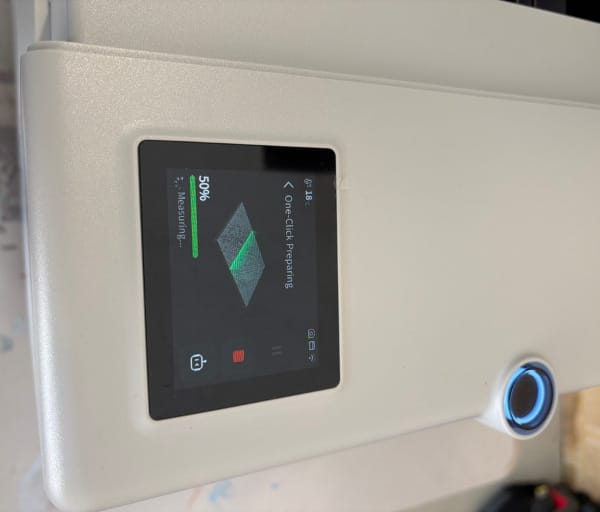
Once the R1 is out of the box, there is only a light amount of prep before first use. A handful of screws and some protective tape need to be removed, after all transport locks have been checked, and the built-in LCD screen then guides the rest of the setup from that point.
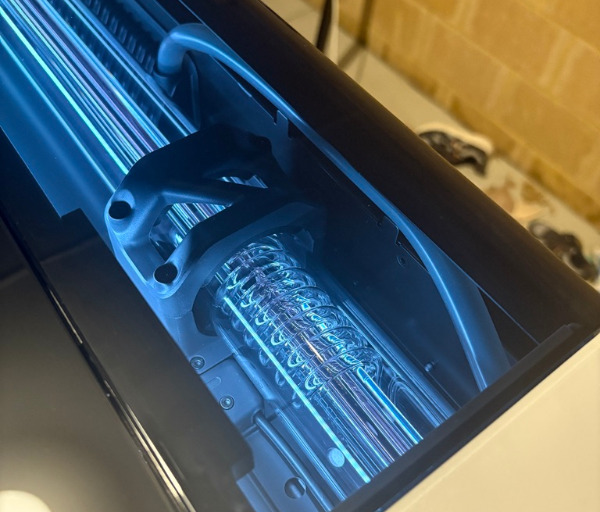
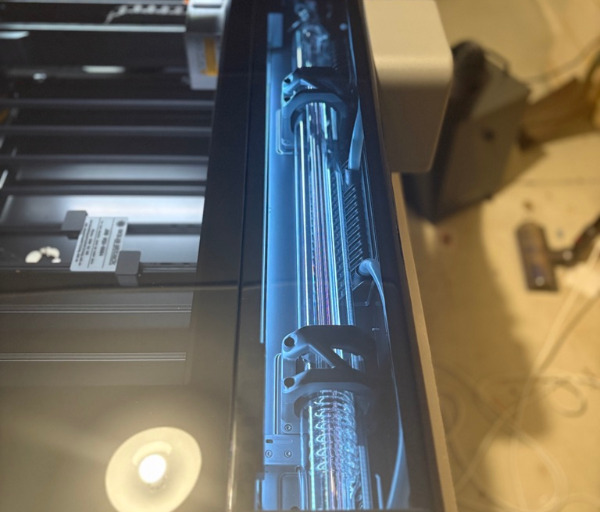
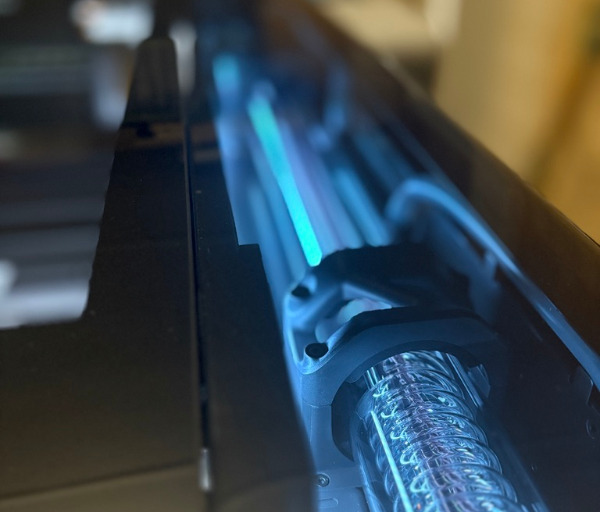
Inside, the CO2 laser tube is supported by a coolant system that needs to be filled with the correct mix of distilled water and antifreeze before operation. This is a standard requirement for CO2 laser hardware, and the R1 makes the process straightforward by clearly marking the reservoir and walking users through it on screen.
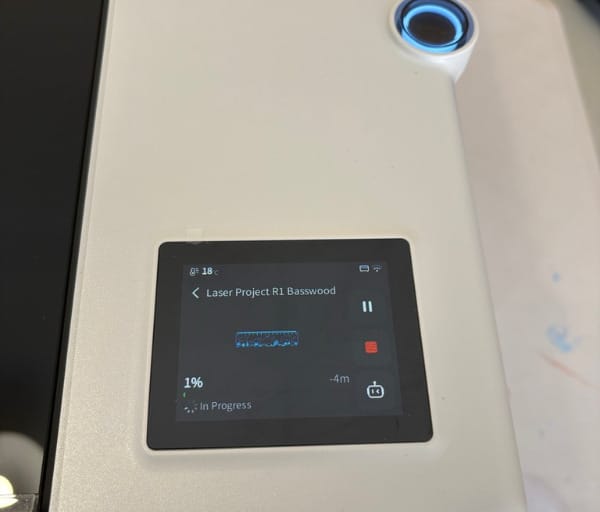
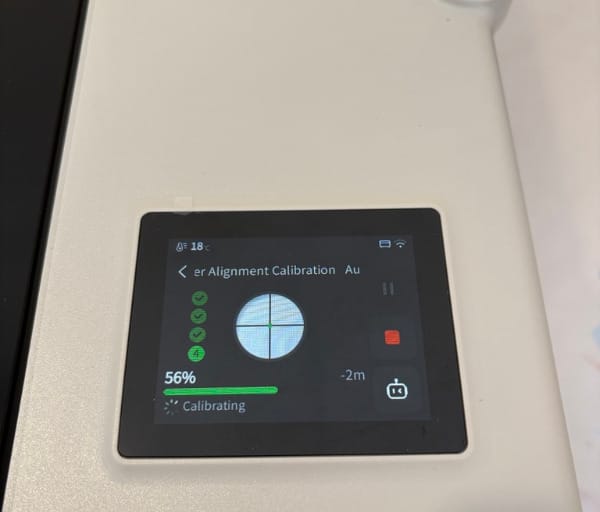
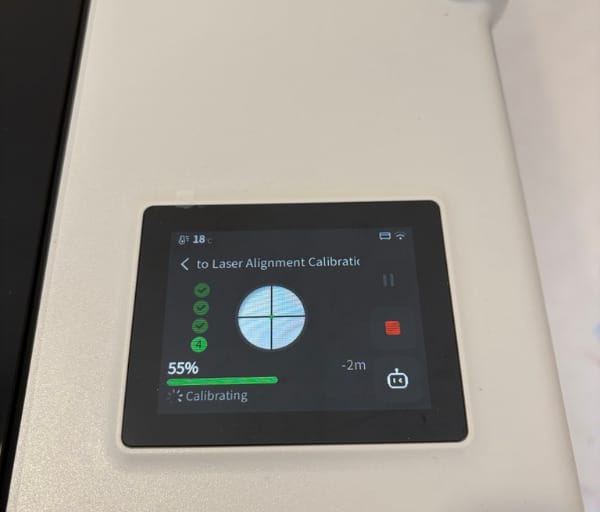
The headline design feature, though, is the automatic optical path alignment. Rather than relying on the operator to physically adjust a series of mirror screws to get the beam travelling cleanly from the tube to the cutting bed, the R1 handles this itself using small internal actuators.
A small magnetic alignment tool clips onto the laser head for this process, and from there the machine takes over, adjusting its own mirrors until the beam path is correctly tuned. This is a genuine first for a laser cutter in this category, and it removes one of the most intimidating parts of owning a CO2 machine.
Bambu Lab has paired that automatic alignment with a suite of cameras and sensors it calls TriSense, which work together to read the workpiece, track its position and keep every cut and engraving aligned with the design as marked. This system sits at the heart of how the R1 behaves differently to a traditional laser cutter.
The toolhead itself houses a dedicated camera used for fine positioning work, letting the machine pinpoint small objects or trace an existing line on a workpiece rather than relying purely on manual measurement. This is particularly handy when working with irregular or pre-marked materials.
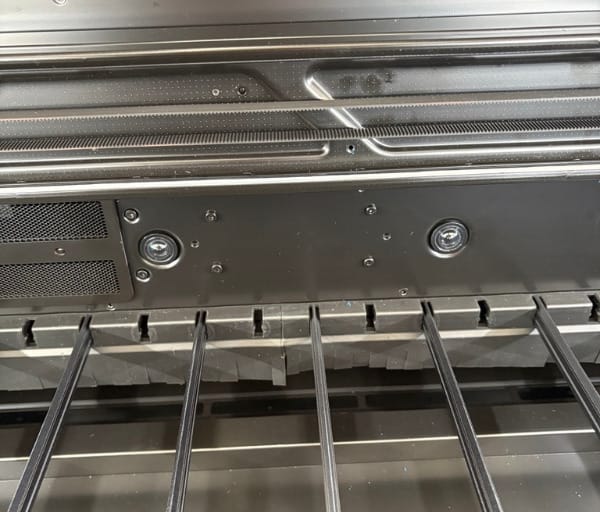
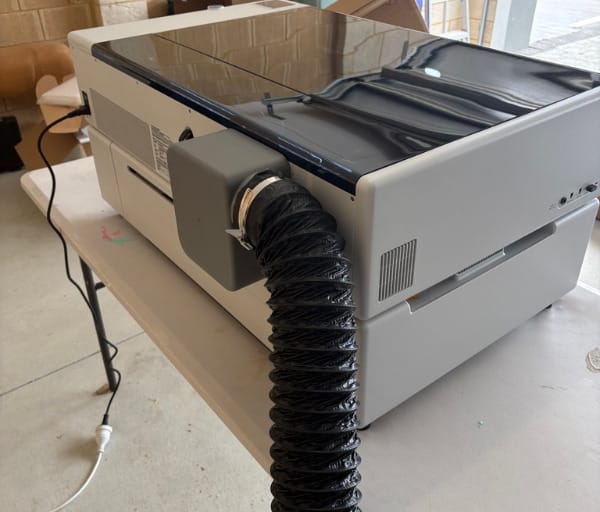
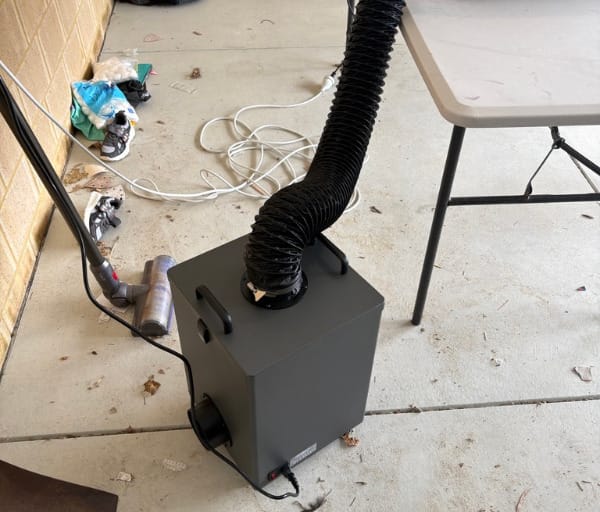
Ventilation is handled through a crossflow design that pushes air directly through the working chamber rather than relying on a single extraction point. In practice this means smoke and fumes are cleared more evenly across the whole cutting area, rather than lingering in corners away from the main extraction fan.
The R1 also supports interchangeable lenses, offered in short, medium and long focal options, which physically change how tightly the beam focuses as it travels toward the material. This modular lens design is a smart piece of engineering that lets a single machine suit both fine detail engraving and thicker material cutting.
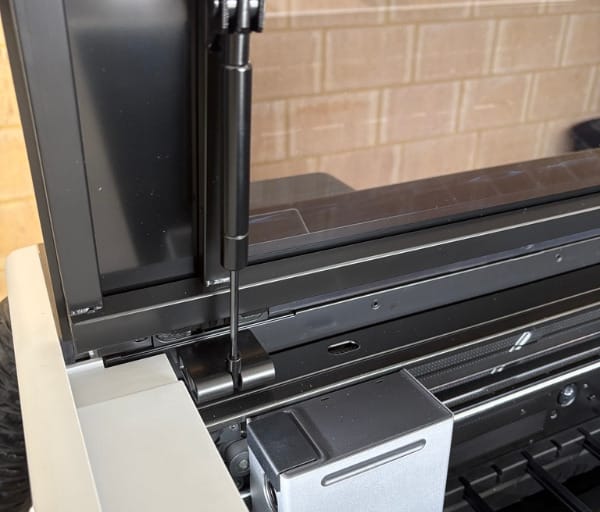
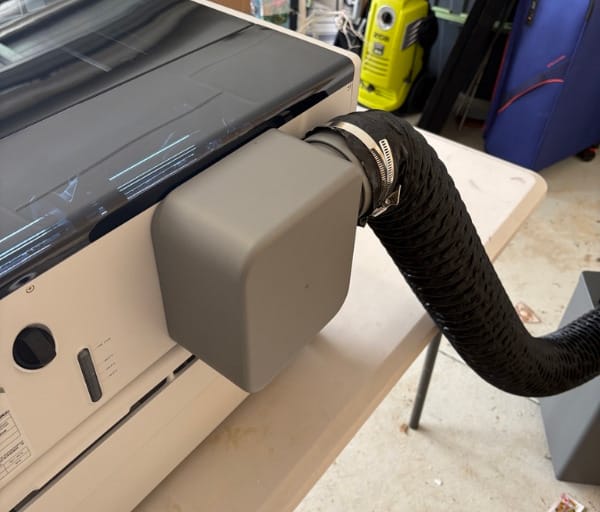
Expandability has clearly been part of the design brief from the outset rather than an afterthought. The chassis is built to accept a riser base to lift working height for taller objects, a rotary attachment to rotate cylindrical items during engraving, and an automatic conveyor feed that extends the usable length of the machine dramatically.
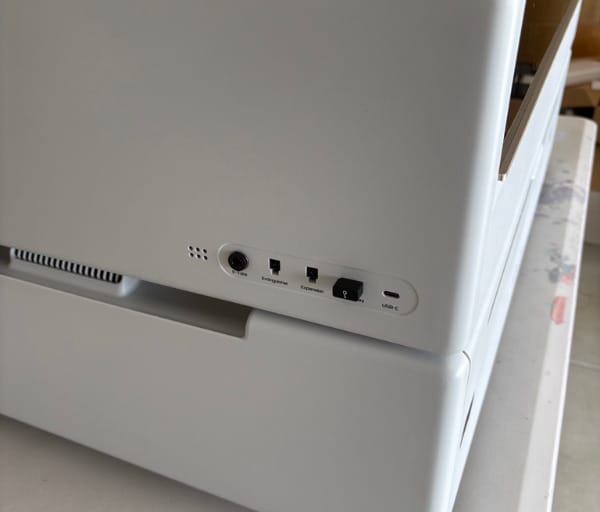
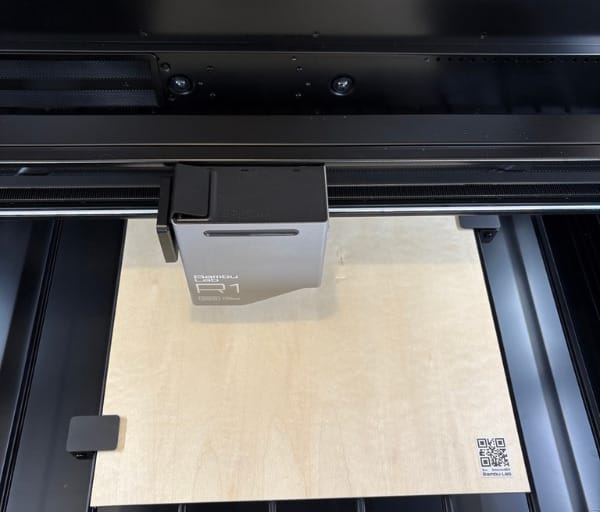
Build quality throughout feels consistent with what Bambu Lab has established with its 3D printer line, with tidy internal cable routing, a sturdy lid and a bed designed to make loading and removing material simple. Nothing about the fit and finish feels like a first-generation product rushed to market.
Safety has also been designed in sensibly, with the enclosed chamber, automatic ventilation and sensor feedback all working to keep the operator at a comfortable distance from the actual cutting process. For a tool that is, at its core, a high-powered laser, that peace of mind matters.
Despite all the technology packed inside, the overall footprint remains manageable for a home workshop, garage setup or small studio space, which is an important consideration for Australian makers who are often working with limited floor space. The R1 does not demand an industrial-sized room to be genuinely useful.
The combined effect of this design work is a machine that feels approachable for someone picking up a CO2 laser for the first time, while still offering enough depth and expandability to satisfy more experienced makers chasing larger or more complex projects.
Key Features
The 55W CO2 laser at the heart of the R1 is genuinely capable, cutting through up to 18mm of black walnut plywood and 20mm of acrylic in a single pass. That kind of depth means fewer repeated passes for thicker stock, which saves time and keeps edges cleaner on materials that are prone to charring with multiple runs.
Automatic laser alignment remains one of the standout features worth repeating here, because of how much friction it removes from ownership. Clipping on the small alignment tool and letting the R1 tune its own mirrors in minutes means the machine is ready to work almost immediately, rather than requiring an experienced hand to dial it in.
The TriSense system ties cameras, the laser itself and internal encoders together so that whatever is marked on the material is exactly what gets cut or engraved. This matters enormously for anyone working with workpieces that are not perfectly square, perfectly flat or perfectly positioned on the bed.
Height sensing is a particularly clever inclusion, letting the R1 follow the contours of curved or uneven surfaces such as cups, bottles or naturally warped timber. Rather than keeping focus fixed at one height, the machine continuously adjusts to keep engraving sharp across the entire surface.
That same sensing system stays accurate on transparent materials like glass and clear acrylic, which can be notoriously difficult for optical measurement systems to read correctly. The R1 is specifically engineered to maintain precise focus on these tricky surfaces rather than losing accuracy on anything that is not opaque.
The dedicated toolhead camera adds another layer of precision by finding small objects on the bed and placing fine detail exactly where intended. It can also trace a printed design, a sticker outline or a hand-drawn line, letting the laser follow that path accurately during cutting.
Speed is another genuine highlight, with the R1 capable of reaching up to 1000mm/s and completing jobs nearly three times faster than more conventional setups, all while retaining fine detail in the finished piece. For anyone running multiple jobs back to back, that speed advantage adds up quickly.
Much of that speed and precision comes down to the motion control system borrowed directly from Bambu Lab’s 3D printer range. The same intelligent algorithms that keep a Bambu Lab printer’s toolhead moving smoothly and accurately have been adapted here to keep the laser head tracking cleanly at high speed.
Crossflow ventilation deserves another mention as a feature in its own right, since it directly affects how pleasant the machine is to use in an enclosed space. Clearing smoke evenly across the chamber rather than from a single point keeps visibility of the cutting area clearer throughout a job.
Material versatility is a genuine strength of the R1, with official support for wood, transparent acrylic, glass, fabric, leather, anodised aluminium and slate, among other materials. That breadth opens the door to projects spanning furniture, signage, jewellery, home decor and fabric crafts from a single machine.
The modular accessory range extends the R1’s capability considerably. The rotary attachment allows cylindrical objects such as mugs, bottles and tumblers to be rotated smoothly during engraving, opening up a whole category of projects that a flat bed alone cannot handle.
The riser base lifts the working height of the machine, making it possible to accommodate taller objects that would otherwise be too tall to clear the gantry. Combined with the longer-focus lens option, this lets the R1 handle thicker or bulkier stock than its standard configuration suggests.
For genuinely large-scale work, the automatic conveyor feed extends the usable cutting length to boards up to three metres long, turning the R1 into a tool capable of producing full shelving panels, long signage or furniture components in one continuous run.
On the software side, Bambu Suite provides the design and job preparation environment for the R1, running on Windows and macOS. It includes a camera-assisted placement stage for positioning designs accurately on the actual material in front of the operator, along with an edge extraction tool that can pull outlines directly from the camera view into the design canvas.
Experience Using the Product and Performance
Setting Up and Calibrating
Getting the R1 from box to first cut is a refreshingly calm process compared with the usual CO2 laser experience. The two-piece packaging makes lifting the machine out straightforward with a second person on hand, and the included accessories are neatly organised rather than scattered through loose foam.
Removing the transport tape and screws takes only a few minutes, and the built-in LCD screen then takes over as the guide for the remaining setup steps. There is a genuine sense that Bambu Lab wants the first experience to feel guided rather than intimidating, much like unboxing one of its 3D printers.
Filling the coolant reservoir with the correct mix of distilled water and antifreeze is the one step that requires a bit of care, simply because it involves handling fluids rather than clicking components into place. The process itself, however, is clearly explained and does not demand any special expertise.
The real highlight of setup is the automatic laser alignment. Clipping the small magnetic tool onto the laser head and letting the machine run through its calibration routine takes only a couple of minutes, and there is no need to touch a single mirror screw by hand.
Watching the R1 fine-tune its own optical path using internal actuators is a genuinely satisfying moment, especially for anyone who has previously wrestled with a traditional laser cutter’s manual alignment process. It reinforces just how much thought has gone into making this machine approachable.
Once calibration finishes, the R1 is effectively ready to cut. There is no lengthy warm-up ritual or repeated test firing needed before trusting the machine with a real project, which keeps the gap between unboxing and genuinely useful output very short.
Software Workflow in Practice
Bambu Suite handles design and job preparation, and for the most part it feels intuitive, particularly for anyone who has already used Bambu Studio with one of the company’s 3D printers. The interface is clean, and the core functions of importing, arranging and sending a job to the machine work reliably.
The workflow runs in two main stages: a design canvas for creating or importing artwork, followed by a camera view stage where that design is placed precisely onto the physical material sitting on the bed. This separation keeps the process logical, especially for users who are new to laser software altogether.
The camera-assisted placement stage is particularly useful for anyone working with offcuts, pre-finished objects or materials that are not perfectly uniform in size. Being able to see the actual workpiece through the camera before committing to a cut removes a lot of the guesswork that comes with purely measurement-based placement.
The edge extraction tool adds another layer of convenience, letting the camera view be analysed to pull real-world edges into the design canvas. This is handy for matching a design precisely to an irregular shape, such as engraving within the boundary of an existing picture frame or cut piece.
Process settings cover the essentials well, including power, speed and pass count for different materials and job types, and the presets available make it easy for newcomers to get clean results without deep technical knowledge of laser parameters. More advanced users will find plenty of room to fine-tune settings as they get more comfortable.
Bambu Lab has indicated that broader software compatibility, including support for LightBurn, is on the way, which should be welcome news for makers who want even finer control over their process settings as they grow more experienced with the machine. That ongoing investment in the software side signals a long-term commitment to the platform.
Cutting and Engraving Results
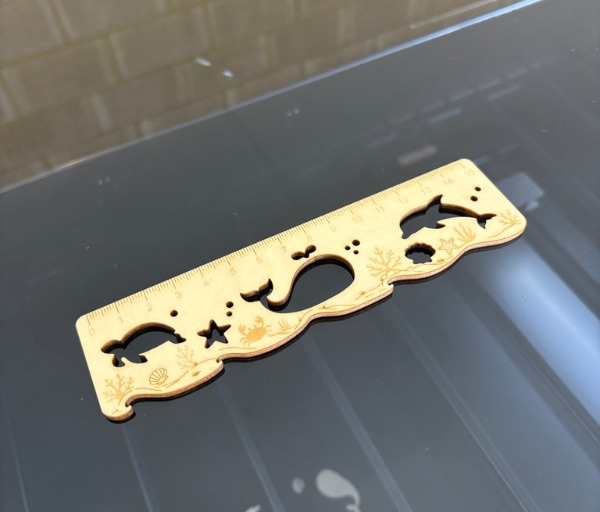
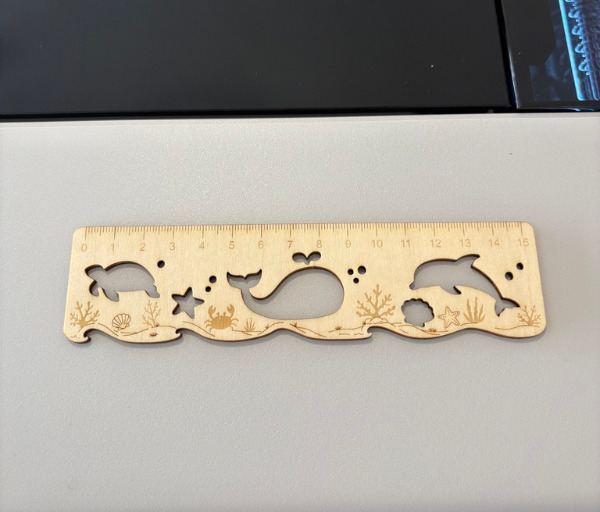
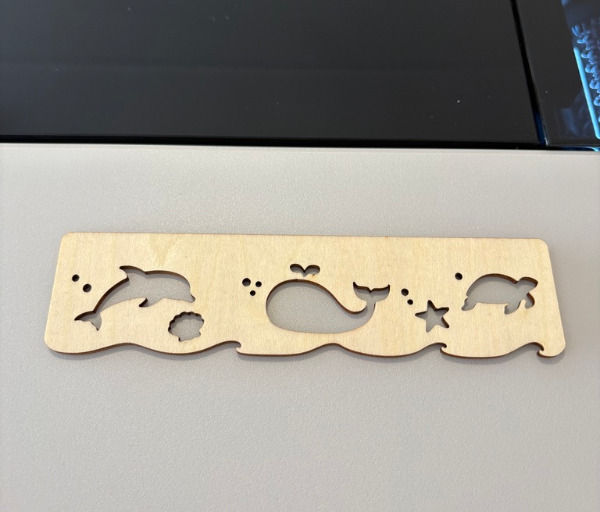
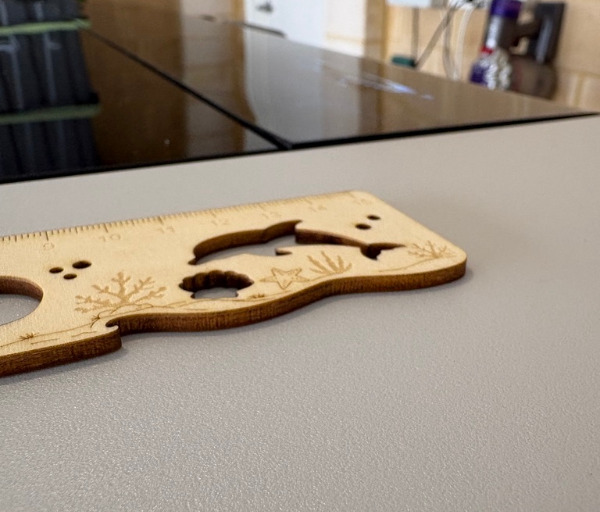
Cutting performance from the 55W CO2 laser is strong across the materials it is designed for, including plywood, MDF and acrylic. Thin plywood and acrylic sheets cut cleanly in a single pass, with crisp edges and minimal charring, which is exactly what a CO2 laser of this wattage should deliver.
Thicker material, including birch plywood test pieces, also comes away with tidy results, and the machine’s speed means jobs that might take considerably longer on a slower setup are finished in a fraction of the time. That speed advantage becomes especially noticeable when running batches of identical parts.
Painted MDF cuts through easily as well, with the laser maintaining consistent power delivery across a run so that the finished edge looks uniform from start to finish rather than tapering off part way through a longer cut line.
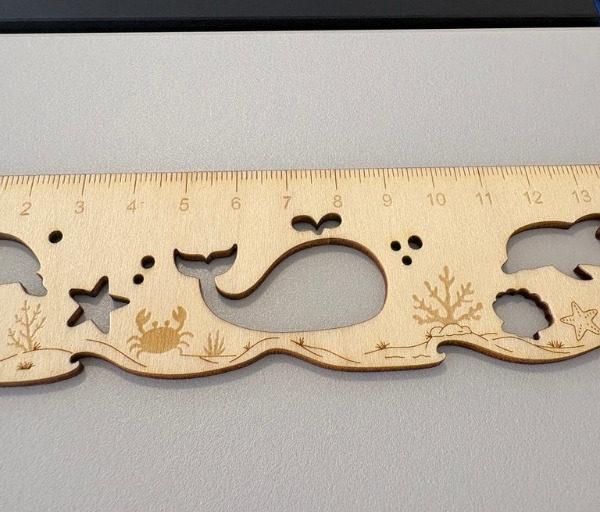
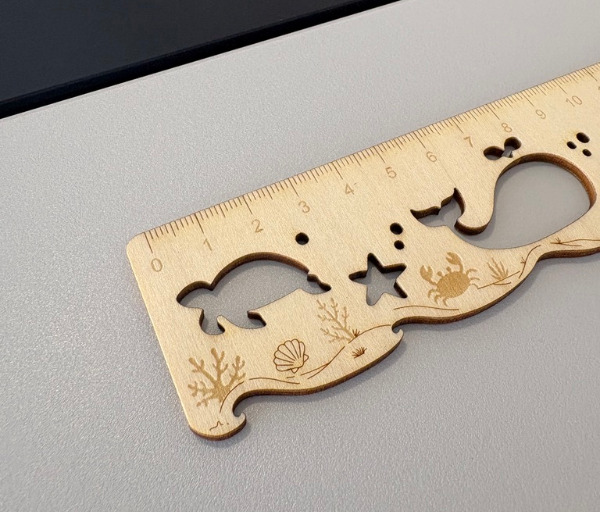
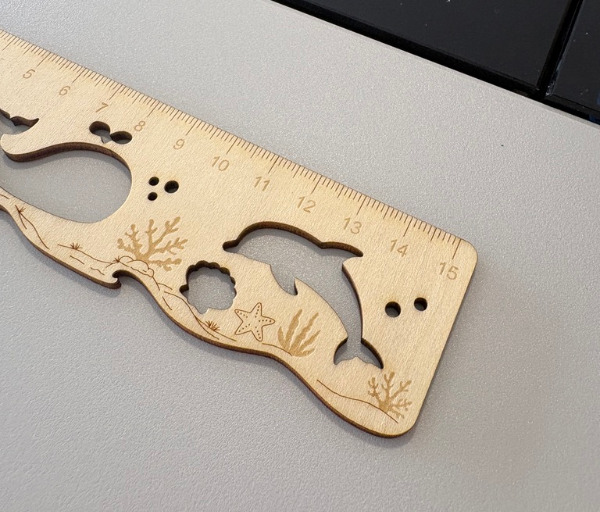
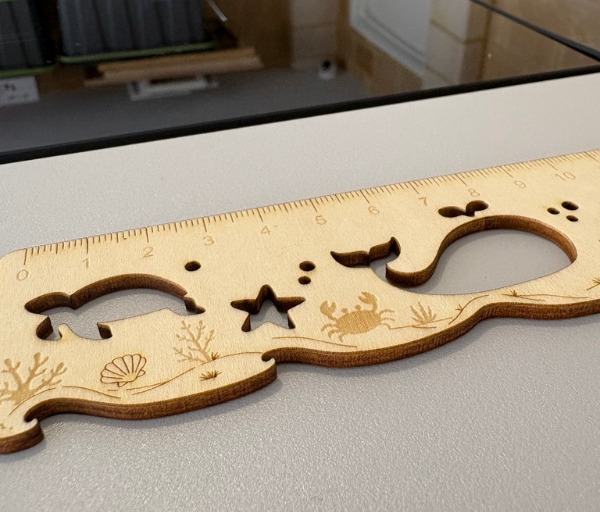
Engraving results are where the R1 genuinely impresses. Fine detail work comes out with sharp, consistent lines, which is not always a given with CO2 lasers that can sometimes struggle with very fine engraving compared to diode alternatives.
Switching between the short, medium and long lens options makes a noticeable difference depending on the job at hand. The short lens delivers a tighter spot size ideal for detailed engraving, while the longer lens suits thicker material where a wider depth of focus is more useful.
Having that lens flexibility built into the system means the R1 does not force a compromise between fine detail work and heavy-duty cutting. Swapping lenses to suit the task keeps results looking their best regardless of what is being produced that day.


Working With Accessories in Australian Workshops
For Australian makers working out of a garage, shed or small studio, the modular accessory range genuinely changes what the R1 can be used for day to day. The rotary attachment turns the machine into a capable option for personalised drinkware, engraved bottles and other cylindrical items that a flat bed simply cannot accommodate.
The riser base proves its worth whenever a project involves something taller than the standard bed clearance allows, letting taller objects sit comfortably under the gantry without needing to disassemble or awkwardly angle the piece being worked on.
The automatic conveyor feed is the accessory that most dramatically expands what the R1 can produce, taking the usable cutting length out to three metres. This turns the machine from a desktop tool into something capable of producing full-length shelving, long signage runs or furniture components in a single continuous pass.
Combining the riser base with the conveyor feed opens up even more ambitious projects, such as engraving or cutting long, tall timber panels destined for furniture or feature walls. That kind of flexibility is rare in a machine that still fits on a standard workbench in its base configuration.
Crossflow ventilation earns its keep in real-world use, particularly in smaller indoor workshop spaces common in Australian homes. Smoke clears from the chamber quickly and evenly, which keeps visibility of the cut in progress clear and reduces the amount of residual odour lingering in the room afterwards.
Running the R1 across varied jobs over several sessions reveals a machine that behaves consistently, with the same reliable alignment and cutting results regardless of whether the previous job was fine engraving or a deep cut through thicker stock. There is a real sense of dependability that builds confidence with repeated use.
Noise levels during operation sit comfortably within what would be expected of a desktop CO2 laser, making it a realistic option for home workshops rather than something that needs to be isolated in a separate shed purely for noise reasons.
For schools, hobbyists and small creative businesses across Australia, the combination of automatic calibration, smart sensor-driven accuracy and a genuinely useful accessory ecosystem makes the R1 feel like a tool that rewards regular use rather than something that sits idle after the novelty wears off.
Day to day, the overall impression is of a machine that gets out of its own way, letting the focus stay on the actual project rather than on fighting with the equipment. That is a meaningful shift for anyone whose only previous experience with CO2 lasers involved manual calibration headaches.
Conclusion
The Bambu Lab R1 takes genuine, practical steps to make CO2 laser cutting and engraving far less intimidating, without cutting corners on the actual cutting and engraving power on offer. Full specifications and accessory options can be found on the Bambu Lab R1 product page, and they back up everything this review has covered.
Automatic optical alignment alone removes one of the biggest barriers that has kept casual makers away from CO2 lasers in the past, and pairing that with the TriSense camera and sensor system means accuracy stays high even on tricky, curved or transparent materials.
The accessory ecosystem, including the rotary attachment, riser base and automatic conveyor feed, means the R1 is not locked to a fixed project size. It genuinely scales from small engraved keepsakes through to furniture-length panels as confidence and ambition grow.
For Australian makers, educators and small creative businesses looking for a capable, approachable CO2 laser that handles setup and precision largely on its own, the R1 presents a strong case for bringing serious laser cutting into a home workshop or classroom.
Frequently asked questions
What materials can the Bambu Lab R1 cut and engrave?
The R1 is designed to work with wood, transparent acrylic, glass, fabric, leather, anodised aluminium and slate, among other materials, with its 55W CO2 laser capable of cutting up to 18mm plywood or 20mm acrylic in a single pass.
Does the Bambu Lab R1 need manual mirror alignment like other CO2 lasers?
No, the R1 is the first laser cutter of its kind to automatically align its own optical path. A small magnetic tool clips onto the laser head, and internal actuators handle the mirror alignment process without any manual adjustment.
What software does the Bambu Lab R1 use?
The R1 runs on Bambu Suite, available for Windows and macOS, which handles design creation, camera-assisted material placement and job sending. Bambu Lab has also indicated broader software compatibility, including support for LightBurn, is planned for the future.
Can the Bambu Lab R1 handle larger or taller projects?
Yes, through its accessory ecosystem. The riser base raises the working height for taller objects, the rotary attachment rotates cylindrical items for engraving, and the automatic conveyor feed extends the usable cutting length to boards up to three metres long.