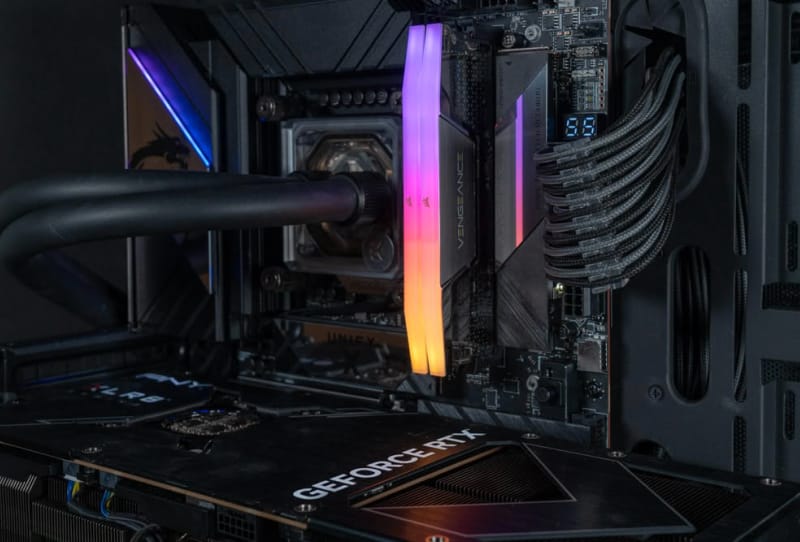
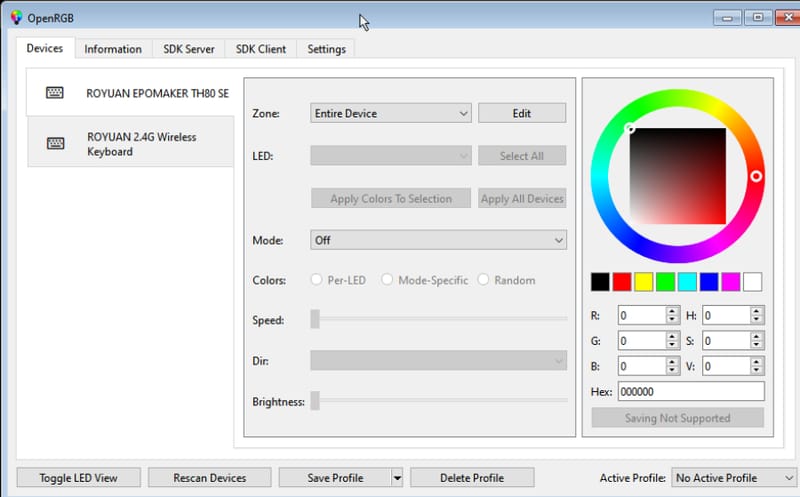
OpenRGB 1.0 has arrived, marking the first full release of the long-running project that lets gamers control RGB lighting across brands from a single, open-source application. After months of release candidates, the software has moved past its beta tag and now supports an even wider range of keyboards, motherboards, laptops and graphics cards, all without needing half a dozen manufacturer apps running in the background.
For anyone who has built a PC with parts from more than one brand, the appeal is obvious. RGB lighting has historically meant installing separate software for a keyboard, a mouse, a motherboard and a graphics card, each with its own quirks, update schedules and, in some cases, a habit of conflicting with other RGB tools running at the same time. OpenRGB exists specifically to solve that mess by giving users one interface and one set of profiles that can talk to hardware from many different manufacturers at once.
Table of Contents
What’s new in OpenRGB 1.0
The headline addition in this release is support for QMK and VialRGB, the lighting protocols used by many custom and enthusiast mechanical keyboards, including Keychron’s own forks of those standards. That is a meaningful expansion for the mechanical keyboard community, where DIY and hot-swappable boards often rely on firmware that mainstream RGB software has historically ignored.
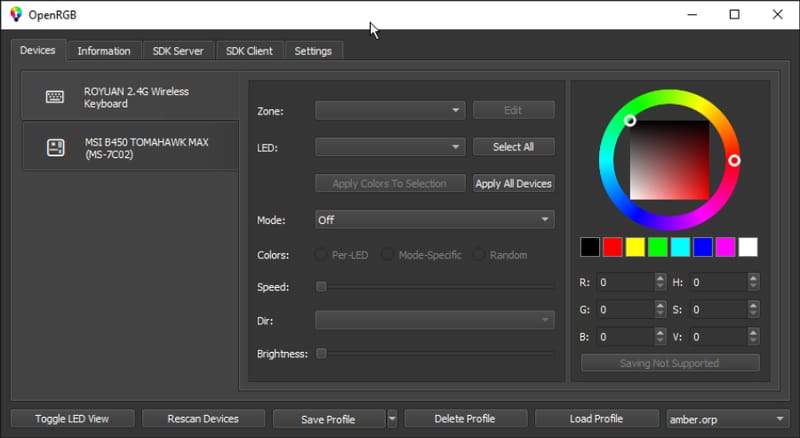
Alongside keyboard support, OpenRGB 1.0 adds compatibility with a broader set of Gigabyte and MSI motherboards and laptops, plus Clevo laptop keyboards and light bars. Graphics card coverage has also grown, with new controller support that brings in cards such as PNY’s Epic-X ARGB models and PowerColor GPUs. Together, these additions push OpenRGB further into territory that used to require juggling multiple vendor utilities just to keep a build’s lighting in sync.
| Category | New in OpenRGB 1.0 |
|---|---|
| Keyboards | QMK and VialRGB protocol support, including Keychron forks |
| Motherboards and laptops | Expanded Gigabyte and MSI support |
| Laptop keyboards and light bars | Clevo hardware added |
| Graphics cards | New controllers covering PNY Epic-X ARGB and PowerColor GPUs |
Groundwork for Logitech support
The release notes also point to work laying the groundwork for deeper Logitech device support down the track. Logitech peripherals have traditionally been tied to Logitech’s own G Hub software, so any progress toward native OpenRGB compatibility would matter to anyone running a Logitech mouse or keyboard alongside components from other brands. Nothing is confirmed for that support yet beyond the preparatory work described in this release, so it remains a feature to watch rather than something available today.
Why cross-platform RGB software matters
RGB lighting problems are not just cosmetic. Vendor-specific control software has been linked to real stability issues on Windows in particular. Microsoft has previously acknowledged a Windows 11 RGB lighting bug that was crashing PCs, and in a separate case the company blamed a wave of game crashes on RGB peripheral software running in the background. Those incidents highlight why a single, well-maintained utility that talks directly to hardware, rather than half a dozen background services from different vendors, has genuine appeal beyond convenience.
Open-source tools carry their own trade-offs, of course. Development pace depends on volunteer contributors, and support for a specific device is never guaranteed until someone builds a controller for it. Still, projects like OpenRGB sit alongside another open-source hardware project gaining traction with hobbyists, reflecting a broader push from enthusiasts to build alternatives when commercial software falls short.
What it means for PC builders
For builders mixing brands, the practical upshot is fewer background processes and one place to set lighting profiles, schedules and colour sync across a whole rig. That is particularly useful for anyone running a Gigabyte or MSI motherboard, a PowerColor graphics card and a QMK-based mechanical keyboard together, a combination that previously demanded three separate apps just to keep the lighting consistent.
Reaching version 1.0 after an extended run of release candidates also signals that the project considers its core feature set stable enough for general use, rather than experimental. That is a meaningful milestone for open-source hardware software, where reliability and broad device coverage are usually the two biggest barriers to mainstream adoption. Whether Logitech support eventually lands will likely be the next big test of how far the project can go.