
Guides · Software
How to Fix Plex Not Detecting New Files Automatically
Fed up with adding new movies or shows only to have Plex ignore them?
Guides · Network & Storage
How to Set Up NAS Automatic Backups on Mac
A clear, practical guide to setting up NAS automatic backups on Mac using Time Machine and vendor backup software.
Guides · Hardware
How to Overclock Your Gaming PC GPU Safely
A careful, step-by-step approach to overclocking your GPU safely for better frame rates without risking your hardware.
Guides · Software
How to Claim Your Plex Server and Link Accounts
A clear walkthrough on how to claim your Plex server, link your account across devices, and set up safe sharing with family and friends.
Guides · Hardware · Network & Storage
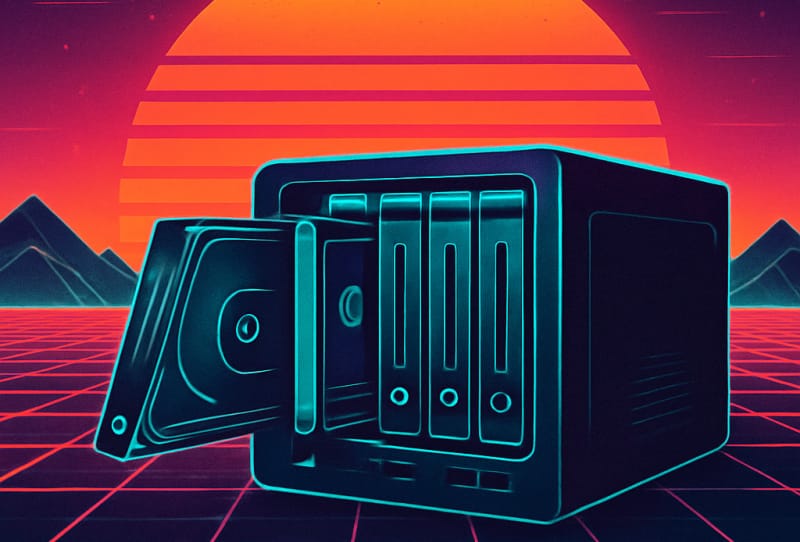
How to Set Up NAS With Multiple Hard Drives Correctly
A clear guide to setting up NAS with multiple hard drives, covering drive selection, RAID choices, and safe step-by-step configuration.
Guides · Hardware
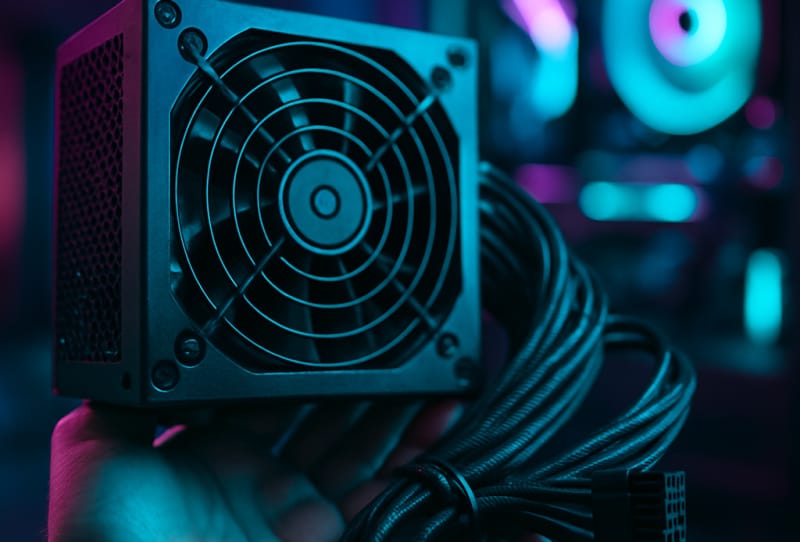
How to Choose a Power Supply for Your Gaming PC
A clear, practical guide to choosing a power supply for your gaming PC, covering wattage, efficiency ratings, connectors and reliability.
Guides · Software
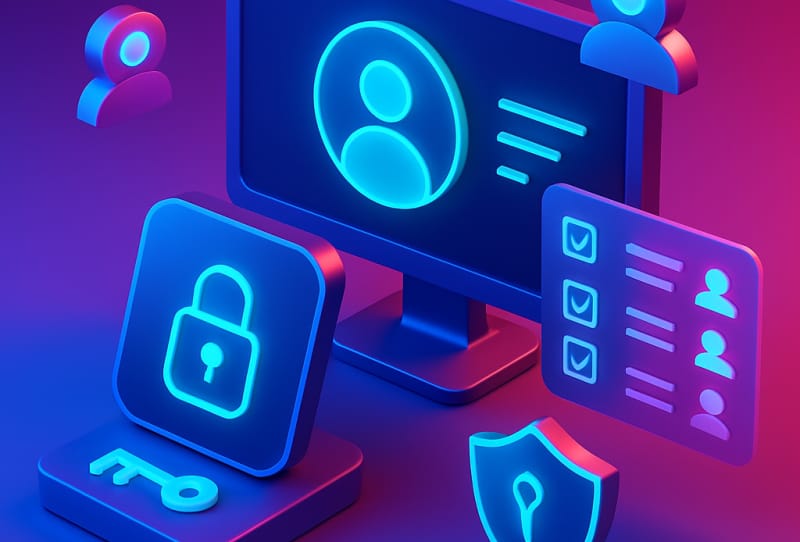
How to Manage Plex User Permissions and Roles
A clear walkthrough of how to manage Plex user permissions and roles, so every household member sees only the libraries and content meant for them.
Guides · Network & Storage
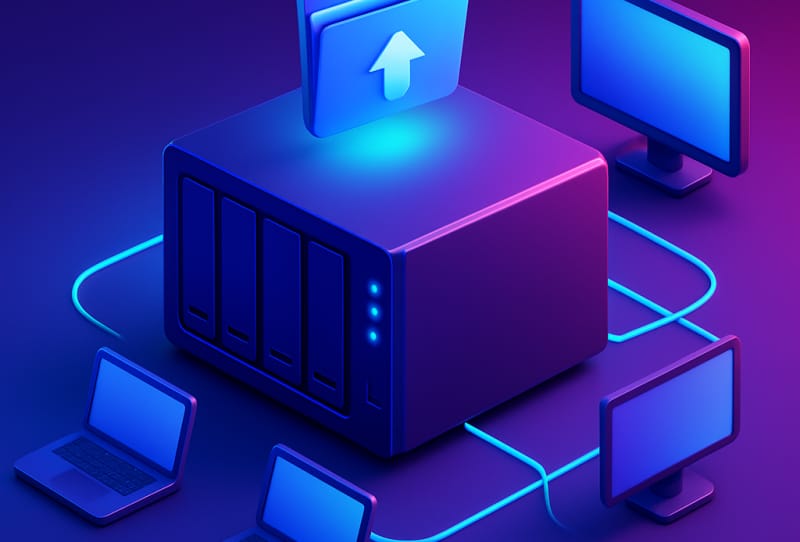
How to Set Up NAS Network Shares and SMB Access
A step-by-step guide to creating NAS network shares, enabling SMB, and connecting Windows, Mac, and media devices to them.
Guides · Hardware
How to Test Your Gaming PC Components Before Assembly
Learn the simple bench-test method that reveals a dead PSU, CPU, RAM stick or GPU before you seal it inside your gaming PC case.
Guides · Network & Storage
How to Troubleshoot Plex Server Connection Timeouts
A step-by-step guide to diagnosing and fixing Plex server connection timeouts, from local network hiccups to remote access and firewall problems.
Guides · Peripherals
How to Configure Controller Settings for PC Games
A clear, step-by-step guide to configure controller settings for PC games so every button, stick and trigger works the way you expect.
Gaming · Guides
How to Unlink a Nintendo Switch System From an Account
A clear walkthrough for unlinking a Nintendo Switch system from a Nintendo Account before you sell, trade in, or reset the console.
Gaming · Guides
How to Stream Gameplay to YouTube: Full Setup Guide
A complete walkthrough for setting up your channel, software and hardware to stream gameplay to YouTube reliably and in good quality.
Gaming · Guides
How to Set Up Xbox App Console Settings
A clear walkthrough for setting up Xbox app console settings, covering pairing, power mode, storage and notifications from your phone or PC.
Gaming · Guides
How to Hook Up a Game Console in a Car
A practical guide to setting up a game console in a car, covering power, screens, sound and safe mounting for long drives.
