
Gaming · Guides
How to Choose the Best Gaming Mouse for FPS
Learn how to pick the best gaming mouse for FPS titles, covering grip style, sensor accuracy, weight, and connectivity.

Guides · Software
How to Use Free OCR Software on Windows and Mac
Free OCR software turns scanned pages and photos into editable text on Windows and Mac.
Audio · Guides
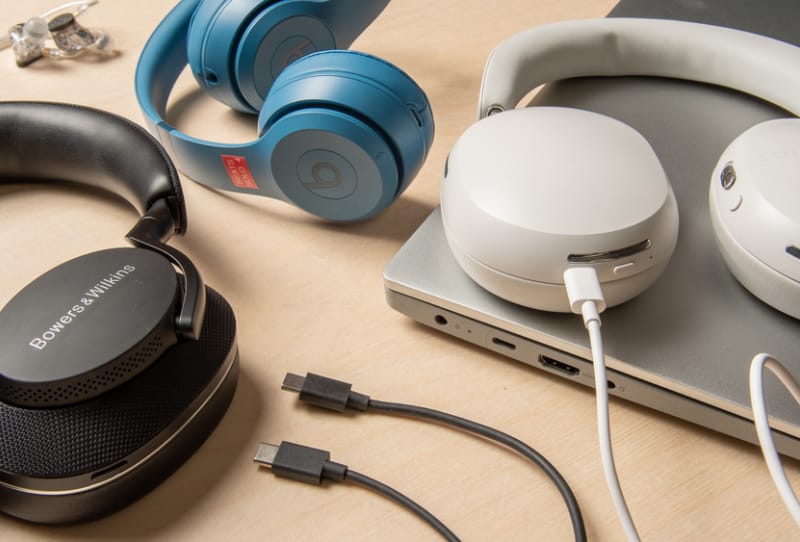
How to Choose USB-C Headphones for Android Phones
A practical guide to choosing USB-C headphones for Android phones, covering connection types, mic support, noise cancelling and sound quality.
Guides · Software
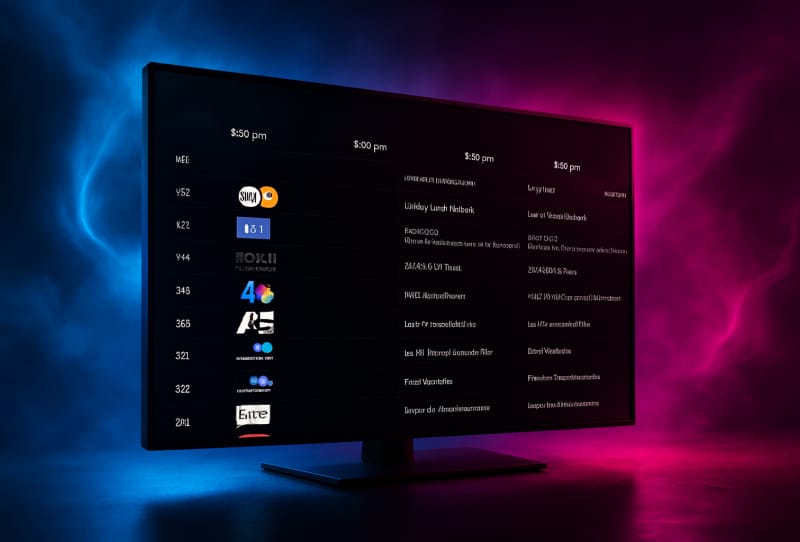
How to Fix Plex Guide Unknown Airing Issues
Learn how to clear up Plex Guide unknown airing issues by refreshing guide data, fixing scheduled task windows, and re-mapping your channel lineup.
Guides · Software
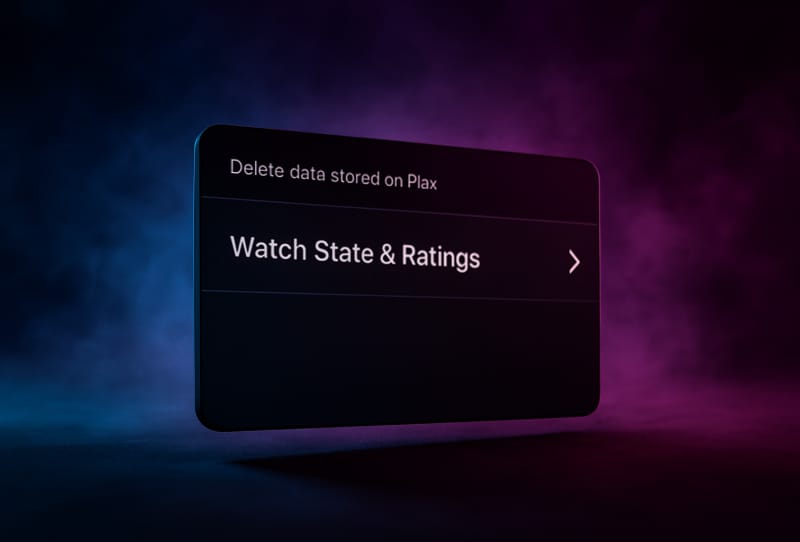
How to Manage Plex Watched Status Across Devices
Turn on Plex's watch state sync to keep movies and episodes marked watched consistently across every server and device you use.

Guides · Software
How to Fix Plex Guide Not Showing Available Channels
A step-by-step fix for when the Plex guide stops showing available channels, covering EPG refreshes, tuner lineups, and favourites issues.
Guides · Software
How to Monitor Plex Server Health and Performance
Use Plex's built-in Dashboard to track streaming activity, bandwidth, CPU and RAM so you can catch problems before they affect playback.
Gaming · Guides
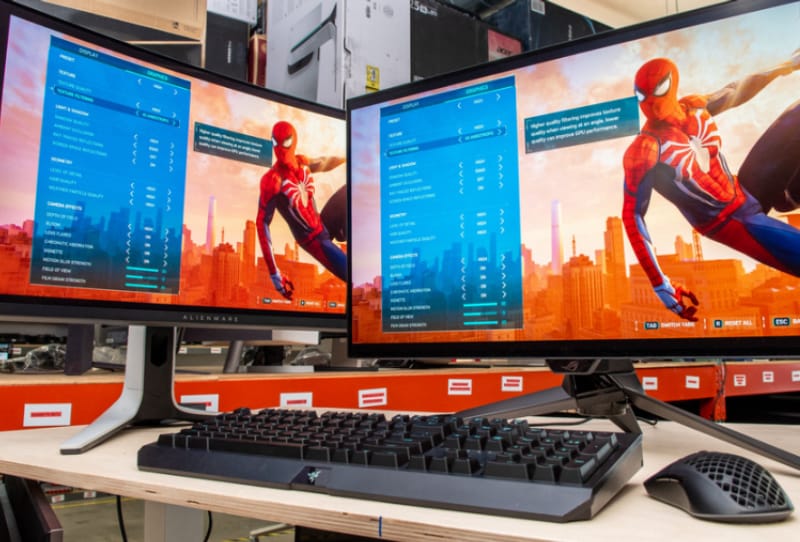
Best Gaming Monitors for Competitive FPS in 2024
Picking the best gaming monitors for competitive FPS means prioritising refresh rate and response time over resolution and size.
Gaming · Guides
How to Reduce Input Lag on Your Gaming PC
Reducing input lag on a gaming PC mostly comes down to disabling V-Sync, using a wired connection, and matching frame rate to refresh rate.
Guides · Software
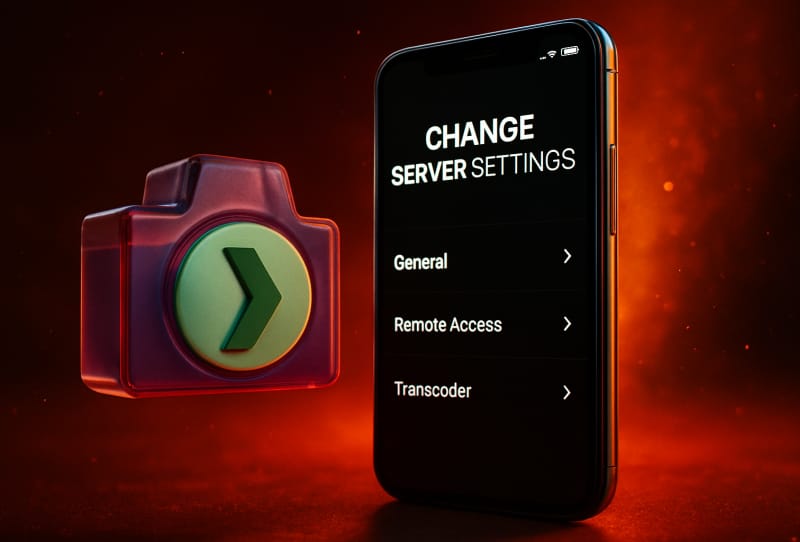
How to Change Plex Server Settings and Preferences
Adjusting Plex server settings starts in the Plex Web App settings menu, where you can control streaming quality, subtitles, and server behaviour.
Guides · Hardware
DDR5 vs DDR4: Speed, Cost and Gaming Performance Explained
DDR5 offers higher bandwidth than DDR4, but the real-world gaming gap is often small, so platform choice matters more than memory type alone.
Guides · Peripherals
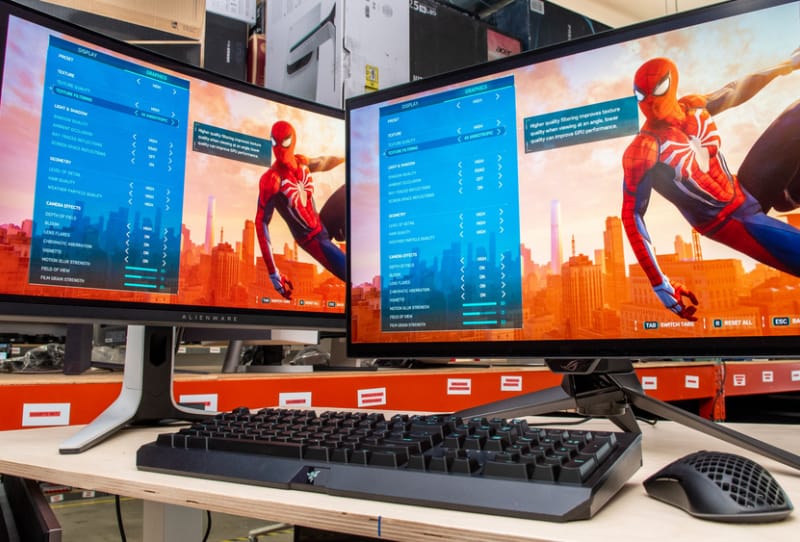
How to Choose the Best Gaming Monitor for Competitive FPS
A practical guide to picking a gaming monitor for competitive FPS, covering refresh rate, response time, resolution and panel choice.
Gaming · Guides
How to Stream Games on Twitch: A Setup Guide
A clear, step-by-step guide to setting up your PC, account, and software to stream games on Twitch for the first time.
Guides · Network & Storage
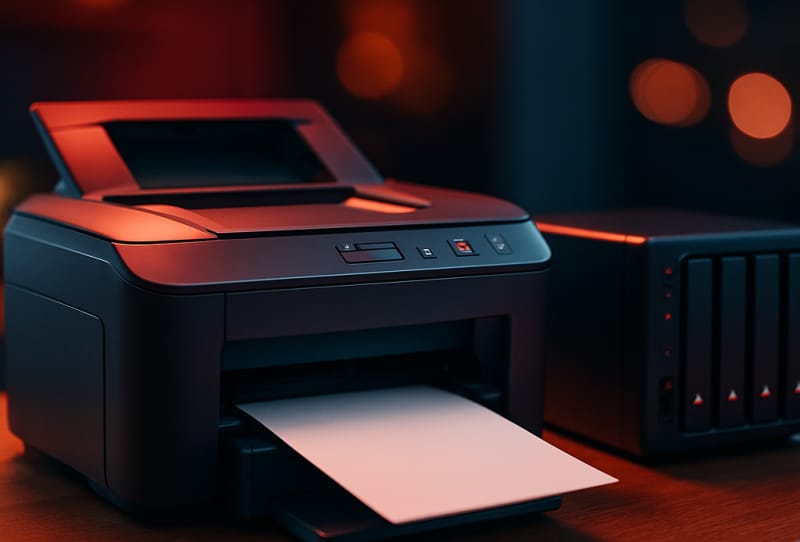
How to Set Up NAS Network Printing and Scanning
A step-by-step guide to turning your NAS into a shared print server, so every computer and phone on your network can print and scan without extra cables.

Guides · Hardware
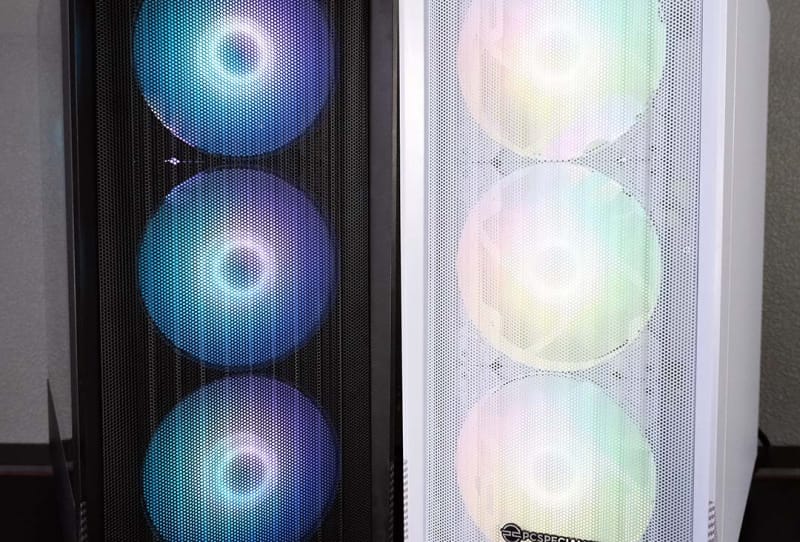
How to Connect Case Fans to Your Gaming PC Motherboard
A clear, step-by-step guide to connecting case fans to your gaming PC motherboard, covering headers, hubs, and BIOS fan control.
