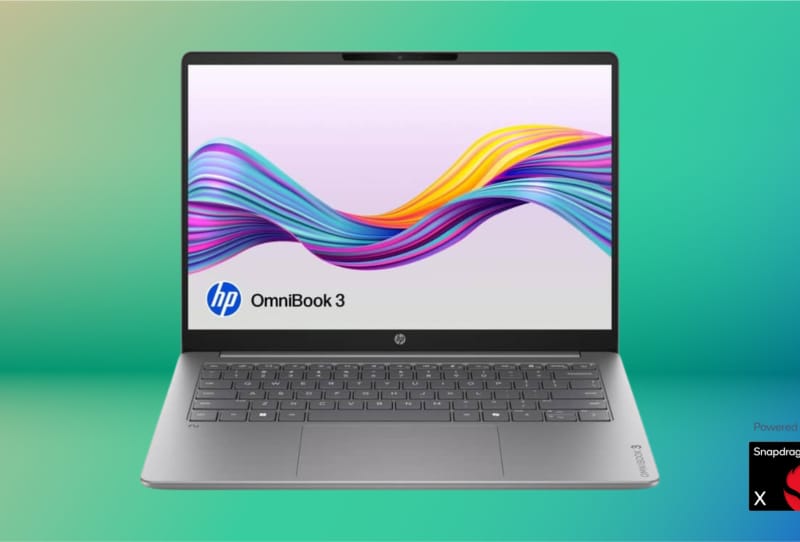
HP OmniBook 3 battery life is rated at up to 41 hours and 45 minutes of video playback on a single charge, according to HP’s own specifications for the Snapdragon X configuration. That figure, measured while continuously playing a downloaded Full HD video at 150 nits brightness with Wi-Fi switched on but not connected, is high enough that some professionals could genuinely get through a full working week without reaching for a charger.
Key takeaways
- ✓HP rates the OmniBook 3 with Snapdragon X at up to 41 hours and 45 minutes of video playback
- ✓The laptop uses Qualcomm's eight-core Snapdragon X1-26-100 processor with a 45 TOPS NPU
- ✓Real-world battery life depends heavily on brightness, Wi-Fi use, video calls and background apps
- ✓Windows Modern Standby and an Energy Saver toggle can help stretch a single charge further
- ✓Heavy workloads like video editing or coding will need more frequent charging than light office tasks
Whether that holds up in practice depends on what a normal day actually looks like. A lunchtime email check and a few hours of document editing drains a battery very differently to a morning of back-to-back video calls with the camera running. HP’s claim is real, but it is a ceiling, not a guarantee, and the gap between a lab test and a messy Tuesday at a co-working desk matters.
Table of Contents
What’s behind the 41-hour battery claim
The HP OmniBook 3’s stamina comes down to the processor inside it. Instead of a traditional Intel or AMD chip, this configuration uses an eight-core Snapdragon X1-26-100, part of Qualcomm’s Snapdragon X Series built specifically for power-efficient laptop performance. The chip includes a dedicated Neural Processing Unit capable of up to 45 trillion operations per second, handling AI and graphics tasks without leaning as hard on the main processor cores.
That architecture is the whole point of Arm-based Windows laptops. Rather than squeezing out maximum raw speed, Snapdragon X prioritises doing the same everyday work using less energy, which is why HP can advertise a figure so far beyond what most Intel or AMD ultrabooks manage. Qualcomm describes the design goal plainly: conserving “every milliwatt of power without compromising great performance.”
How real-world use changes the numbers
Video playback is a best-case scenario, and HP’s smaller print acknowledges that battery life “varies significantly depending on device, settings, usage and other factors.” A passive video stream barely touches the camera, microphone or GPU beyond decoding footage. An active Microsoft Teams or Zoom call, by contrast, runs the camera, microphone, screen and whatever other apps happen to be open at the same time, all of which pull more power.
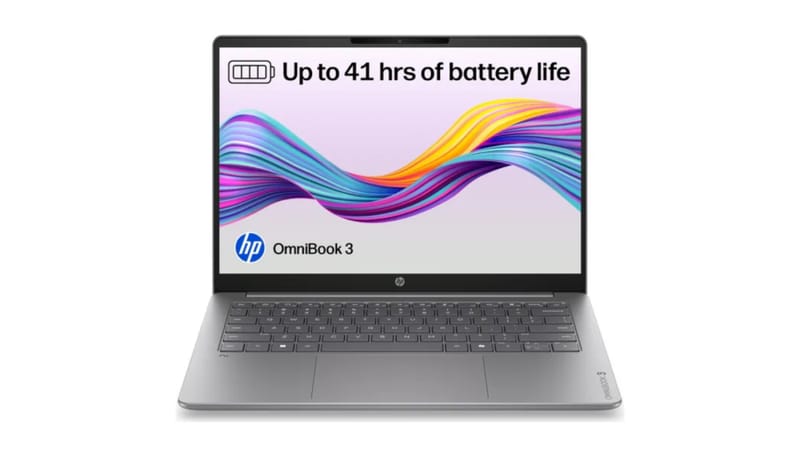
The table below gives a rough sense of how different workloads are likely to compare against that 41-hour ceiling, based on the kinds of tasks HP and Qualcomm describe as light versus demanding.
| Workload type | Typical impact on battery |
|---|---|
| Offline documents, email, light browsing | Closest to the rated maximum |
| Video calls with camera and Wi-Fi active | Noticeably faster drain |
| Streaming video or music over Wi-Fi | Moderate drain, depends on brightness |
| Video editing or coding with heavy compiling | Significantly faster drain, may need daily charging |
Someone who only needs the laptop for a few focused hours a day of writing or planning could plausibly stretch a single charge across an entire working week. Someone editing video or running intensive creative software daily will likely need to top up two or three times a week instead, even on a machine built around efficiency.
Getting the most out of a single charge
Windows’ own power management tools work alongside the Snapdragon X hardware rather than against it. On compatible devices, closing the lid or choosing Sleep triggers Modern Standby, a low-power state that still allows background tasks like email syncing to run periodically, which means some battery drains even while the laptop sits untouched. Shutting the OmniBook 3 down completely, or using Hibernate where it’s available, preserves more charge over a weekend than leaving it asleep.
There’s also a built-in Energy Saver mode, found under Settings, then System, then Power & battery, which automatically throttles background processes and can be set to trigger once the battery drops to a chosen level. Dimming screen brightness, disconnecting unused external devices, and closing apps running in the background all add up too, particularly during heavier days involving video calls or streaming.
How the OmniBook 3 fits into HP’s wider lineup
The OmniBook 3 with Snapdragon X sits alongside other HP models taking different approaches to the same problem of all-day computing. The larger HP OmniBook 3 16 shares the same family name but trades some of that battery efficiency focus for a bigger screen and more memory headroom, while HP’s OLED-equipped OmniBook 5 leans more on display quality than raw endurance. Further up the range, HP’s RAM-heavy ZBook Ultra G3a shows the other end of the spectrum, built for local AI workloads rather than stretching a single charge across days.
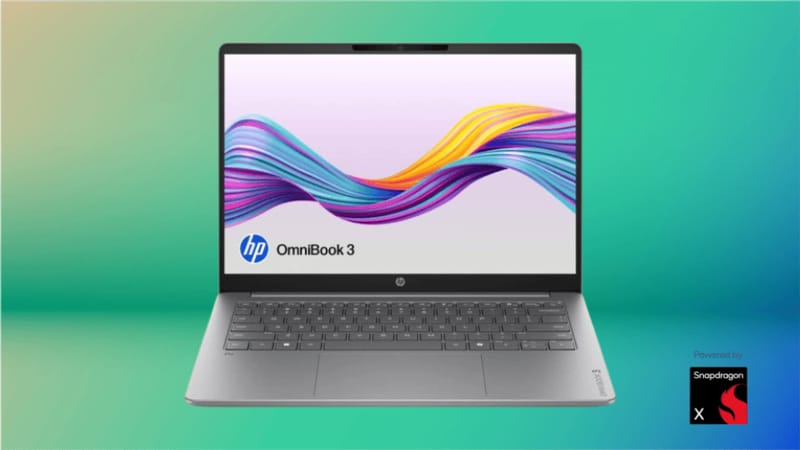
That spread matters because battery life is only one factor in choosing a laptop. A Snapdragon-powered machine suits someone who spends most of their day away from a power outlet, while a RAM-heavy workstation suits someone running demanding local software who can live near a desk. The OmniBook 3 with Snapdragon X carves out a clear niche: long battery life for professionals who move around during the day, rather than peak performance for stationary, power-hungry tasks.
Frequently asked questions
Does the HP OmniBook 3 really last 41 hours on one charge?
HP’s own specification lists up to 41 hours and 45 minutes of video playback under lab conditions. Everyday use involving video calls, streaming or demanding apps will typically produce a shorter result than that ceiling figure.
Does sleep mode drain the battery overnight?
Yes, a small amount. Windows’ Modern Standby still allows background tasks to run periodically while the lid is closed, so some charge is used even when the laptop appears to be fully asleep. Shutting down or hibernating uses less power over longer breaks.
Is the Snapdragon X chip in the OmniBook 3 as fast as Intel or AMD alternatives?
Snapdragon X prioritises power efficiency over outright peak performance, which is why the OmniBook 3 can claim such long battery figures. For everyday tasks like browsing, documents and video calls the difference is rarely noticeable, though heavy, sustained workloads may still favour a traditional Intel or AMD chip.
What settings help stretch battery life the most?
Lowering screen brightness, enabling Windows’ Energy Saver mode, disconnecting unused external devices and closing background apps during video calls all make a measurable difference on the HP OmniBook 3’s battery life between charges.